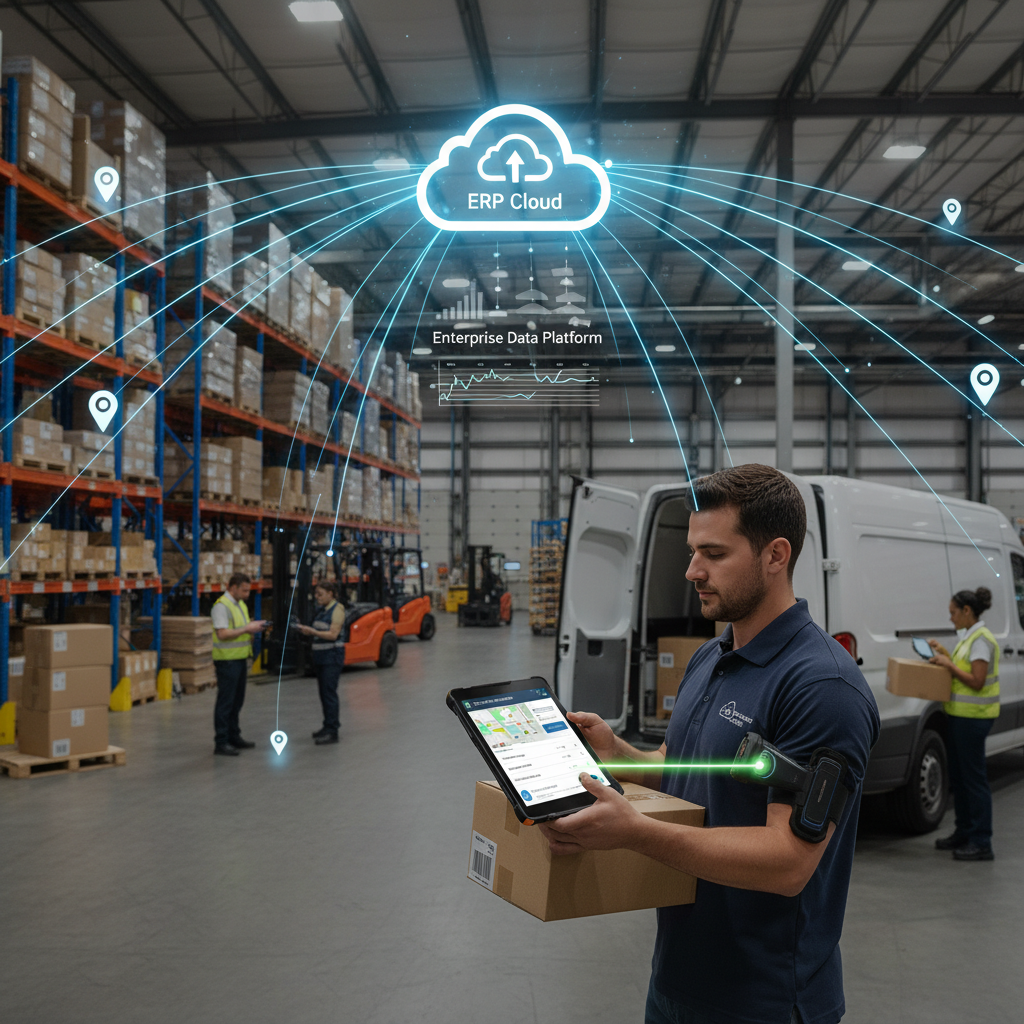
What Is a Mobile App for Business Central?
A mobile app for Business Central is a purpose-built application that extends the ERP to smartphones and tablets used by warehouse operatives, field sales reps, delivery drivers, and van sales teams. Unlike generic mobile apps that sync through third-party connectors, a native Business Central mobile app reads and writes directly to your BC environment — so inventory levels, customer orders, and proof-of-delivery records update in real time without manual data entry.
Dynamics Mobile is that app. It was built from the ground up for Microsoft Dynamics 365 Business Central, with every workflow — picking, sales orders, DSD route settlement, POD capture — designed around how Business Central stores and processes data.
Core Mobile Capabilities
Warehouse Management — Mobile picking, put-away, stock counting, and transfers. Barcode scanning with built-in camera or dedicated scanner. Real-time bin updates back to BC.
Field Sales — Create and submit sales orders from the customer's premises. View live pricing, stock availability, and account history from BC. Capture signatures and photos on the spot.
Direct Store Delivery (DSD) — Load van inventory in the morning, settle deliveries at each stop, reconcile returns, and close the route — all synced to BC automatically.
Van Sales — Pre-sell and cash-and-carry routes with invoice creation, payment collection, and van stock management in one app.
Proof of Delivery — GPS-stamped delivery confirmation, customer signature capture, and photo attachments linked directly to BC sales shipments.
Barcode Scanning — Scan GS1, QR, ITF-14 and EAN barcodes from any camera — no extra hardware required unless preferred.
Why "Native BC" Matters
Many mobile apps connect to Business Central through an API layer or middleware platform. This introduces sync delays, additional licensing, and failure points that your IT team has to maintain. Dynamics Mobile integrates directly with Business Central's AL extension layer, meaning:
Data changes are reflected in BC in real time — not on a 15-minute batch cycle
Business logic in BC (pricing rules, approval workflows, inventory reservations) is respected by the mobile app automatically
There is no separate database to maintain — the mobile app is a front-end to BC, not a separate system
Deployment is through AppSource — no custom Azure infrastructure to manage
Offline-First Architecture
Connectivity is never guaranteed in warehouses, on delivery routes, or in rural field locations. Dynamics Mobile is built offline-first: every action taken without a signal is queued locally and synced automatically the moment connectivity returns. Your team never loses work, and you never see "connection error" on a warehouse floor.
Sync conflict resolution is deterministic — field operations (DSD, van sales) always win over back-office changes during an active route, preventing double-posting of stock movements.
Who Uses Dynamics Mobile
Wholesale distributors — DSD and van sales teams delivering to independent retailers
Manufacturers — Warehouse teams managing pick-and-pack operations in BC
Field service companies — Sales reps placing orders and capturing proof of visit at customer sites
Food & beverage companies — Route-based delivery with FEFO picking and temperature-controlled stock
Medical device distributors — Lot-tracked inventory and delivery confirmation for compliance
How to Get Started
Book a demo — We'll walk through the specific workflows your team needs, using your own BC setup where possible.
Pilot deployment — We configure the app for your BC environment and run a 2–4 week pilot with a small team.
Full rollout — Once pilot metrics are confirmed, we roll out to all mobile users. Average go-live: under 30 days.
Frequently Asked Questions
Is Dynamics Mobile a separate product from Business Central?
No. Dynamics Mobile installs as a Business Central extension (AL app) available on Microsoft AppSource. There is no separate database, no middleware, and no additional Azure infrastructure. The mobile app communicates directly with your existing BC environment.
Does the mobile app work with Business Central online (SaaS)?
Yes. Dynamics Mobile is designed for Business Central SaaS (cloud) deployments, as well as on-premises BC environments. It supports both multi-tenant and single-tenant BC setups.
What devices does the app support?
Dynamics Mobile runs on iOS (iPhone and iPad), Android smartphones and tablets, and ruggedised Android handhelds from Zebra, Honeywell, and Datalogic. A single licence covers all device types — no per-device tier pricing.
How does offline mode work?
When a device loses connectivity, all actions are stored locally in an encrypted on-device queue. When connection is restored, the app syncs automatically in the background. Merge conflicts (e.g., two users touching the same stock bin) are resolved using configurable rules set at deployment time.
Can the app be customised for our specific BC setup?
Yes. Dynamics Mobile exposes a configuration layer that allows partners and customers to add custom BC fields, change screen layouts, add approval steps, and modify pick logic — all without modifying the core app code. Customisations survive app updates.
How long does implementation take?
A standard deployment (warehouse picking + basic field sales) takes 2–3 weeks from kick-off to go-live. Complex multi-workflow deployments (DSD + van sales + POD) typically take 4–8 weeks. Dynamics Mobile Professional Services or an authorised partner handles the deployment.
What is the difference between Dynamics Mobile and the standard Business Central mobile app?
The standard Microsoft Business Central mobile app is a responsive web view of the BC UI — it is not designed for high-volume barcode scanning, offline operation, or route-based field workflows. Dynamics Mobile is purpose-built for these scenarios, with a native mobile UX optimised for speed in warehouse and field environments.