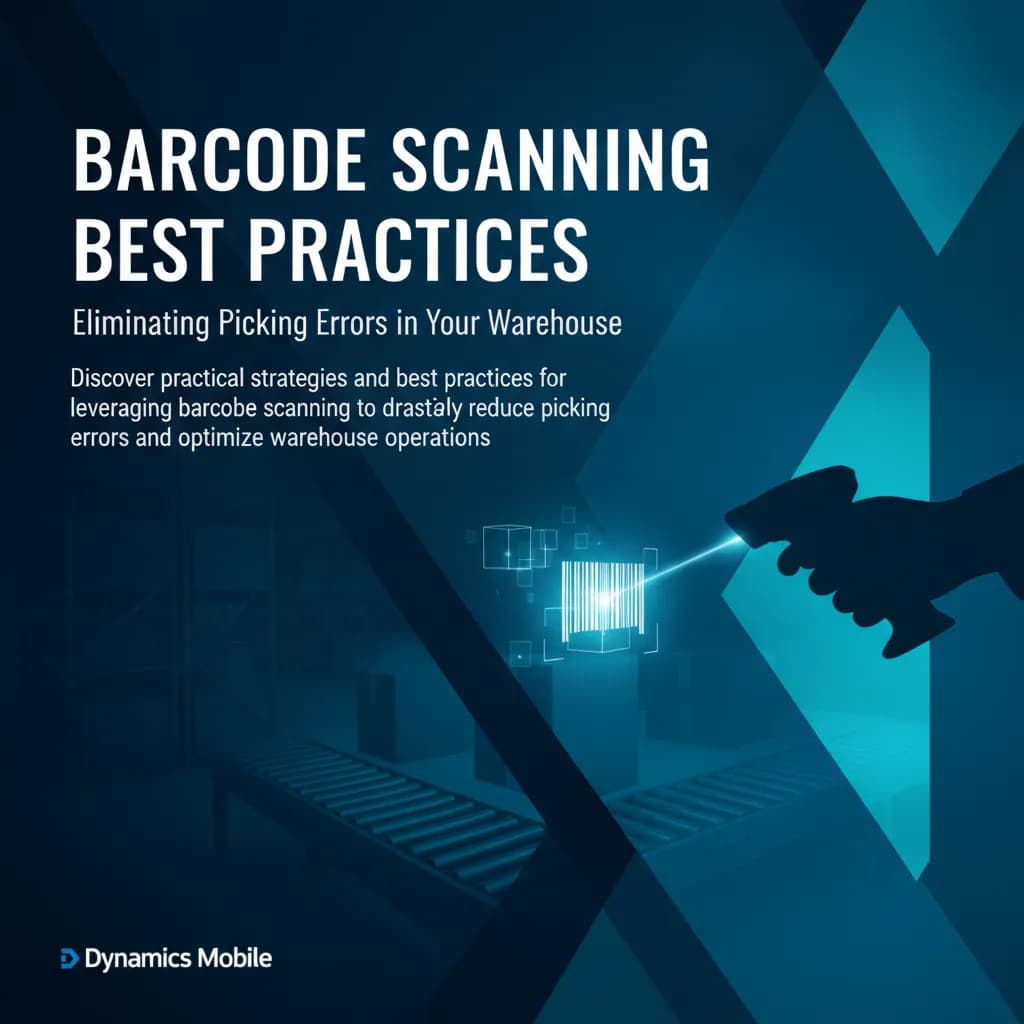
📦 Warehouse Mobility

Warehouse operations on mobile — fast, accurate, real-time with Business Central.

Gives warehouse workers real-time access to jobs, stock, and picking lists directly from Microsoft Dynamics 365 Business Central. Barcode scanning cuts errors. Every action posts to BC instantly — no offline mode, no batch sync.

⚙ Process

How It Works

ERP creates the job. Mobile executes it. Done.

01ERP Job

Every Job Starts in Business Central

There is no separate planning tool — warehouse jobs are created and managed directly in Microsoft Dynamics 365 Business Central. The moment a job exists in BC, it becomes available to the right worker on their mobile device.

  • Supports picks, receives, put-aways, transfers, movements, and shipments
  • Jobs assigned to workers or picked up from a shared queue in BC
  • Item details, quantities, bin locations, and lot/batch info pulled directly from BC
  • No duplicate data entry — Business Central is the single source of truth
📋
Business Central · Warehouse Jobs
Live · 8 open

Picks

3

Receives

2

Put-Aways

3

WPK-0041Pick

Sales Order SO-8812 · 12 lines

Carlos M.
WRC-0019Receive

PO-3301 · Inbound from Vendor A

Unassigned
WPA-0033Put-Away

From Receive WRC-0018 · Zone B

Dana P.
WTR-0008Transfer

Zone A → Zone C · 6 items

Unassigned
WSH-0055Ship

Shipment SH-441 · 4 lines ready

Carlos M.
02Execute

Worker Follows the App Step by Step

The mobile worker opens the app and sees their assigned jobs. The app guides them through each task — scan the item, confirm the bin, enter the quantity — with barcode scanning at every step to eliminate errors. Note: a live network connection is required; this solution does not work offline.

  • Live connection to Business Central required — Wi-Fi or mobile data
  • Barcode and QR scanning for items, bins, and lot/batch tracking
  • Step-by-step guidance: scan, confirm, proceed — minimal training needed
  • Quantity validation, lot/batch selection, and expiry checks at every step
9:41

Warehouse · Zone B

Carlos Martinez

BC Live
▶ Active JobWPK-0041 · Pick

Sales Order SO-8812

Line 3 of 12 · Bin A3-04

📷

Scan item barcode to confirm

Navigate to Bin A3-04
Scan item SKU-4421
Confirm qty: 24 pcs
Move to staging area

Remaining Lines

SKU-0812

Bin: B1-12

6 pkgs

SKU-3390

Bin: B2-07

48 pcs
03Complete

Job Closed in ERP — In Real Time

When the worker confirms the last step, the job is posted and closed in Business Central immediately. Inventory levels, lot tracking, and bin contents update in real time — no batch sync, no end-of-day reconciliation.

  • Job posted to Business Central the moment the worker confirms completion
  • Inventory, bin contents, and lot/batch records updated instantly in BC
  • Partial completions and exceptions posted in real time too
  • Currently supported exclusively on Microsoft Dynamics 365 Business Central
Business Central · Live Updates
Real-time

Completed today

14

In progress

3

Pending

5

Posted to Business Central

WPK-0039Pick

SO-8810 · 12 lines · Posted & closed

14:32
WRC-0018Receive

PO-3300 · Inventory updated · Lot tracked

13:58
WPA-0031Put-Away

Zone B bins updated · 8 items placed

13:44
WPK-0041Pick

SO-8812 · In progress · 3 of 12 lines done

Now
🔗

Exclusively integrated with Microsoft Dynamics 365 Business Central

Key Features

Cross-Platform — iOS, Android & Windows

Warehouse workers use Android handheld scanners and mobile devices. Supervisors and receiving clerks can also operate from Windows notebooks and PCs — all connected to the same live Business Central data.

Real-Time Inventory Management

Gain instant access to live stock levels, bin contents, and item availability — pulled directly from Business Central at all times.

Barcode & QR Scanning

Scan items, bins, lots, and serial numbers at every step — eliminating manual entry errors and accelerating every warehouse operation.

Inbound & Outbound Operations

Cover the full goods flow: receive purchase orders, put away to bins, pick for sales orders, pack, and ship — all guided by the app and posted to BC in real time.

Inbound & Outbound Transfers

Execute warehouse transfers between locations, zones, and bins — as well as inter-company and inter-warehouse stock movements — with full traceability posted live to Business Central.

Batch, Lot & Expiry Tracking

Select and track lots, batches, serial numbers, and expiration dates at the point of pick, receive, or put-away — full traceability without manual paperwork.

Stock Counting

Run cycle counts and full physical inventory counts directly from the mobile app. Workers scan items bin by bin; results are posted to Business Central immediately for instant reconciliation.

Reporting & Analytics

Supervisors get real-time dashboards on job progress, worker throughput, accuracy rates, and inventory movements — all driven by live Business Central data.

Multi-Warehouse & Multi-Company

One app, one login — workers and supervisors can switch between multiple warehouses and legal entities without separate credentials or installations.

ERP Integration — Business Central

Exclusively and deeply integrated with Microsoft Dynamics 365 Business Central. Every job, scan, and confirmation posts directly to BC in real time. Requires an active network connection.

⚡ Agentic AI
Closed Beta

AI Agent Capabilities for Warehouse Mobility

Background AI agents continuously watch your warehouse mobility data — detecting anomalies, reconciling records, and surfacing insights.

AI agent features are currently available to invited customers. Contact us to join the early access programme →

Learn about the platform →

Pick Accuracy Pattern Detection

Agents track pick error rates per worker, shift, and zone — identifying root causes and recommending workflow adjustments.

Inventory Reconciliation

Daily automated reconciliation between physical scan counts, mobile records, and ERP inventory — zero-gap reporting without manual intervention.

Expiry & Batch Anomaly Alerts

Near-expiry stock that is not moving triggers automated alerts and suggested re-slotting or promotional actions.

Throughput Insight Reports

AI surfaces patterns in receiving, picking, and dispatch throughput — correlating with staffing, shifts, and seasonal demand.

🖼 Gallery

Gallery

Browse app screenshots and interface walkthroughs — see exactly what the solution looks like in action.

Use Cases

01

Receiving & Put-Away

Scan incoming goods against purchase orders and direct items to the correct bin locations — lot and expiry tracked, posted to BC instantly.

02

Picking & Packing

Follow BC-driven pick lists, scan items to confirm accuracy, select lots, and pack for dispatch — zero paper, zero errors.

03

Stock Counting

Perform cycle counts and full physical inventory counts from the device — results reconciled in Business Central in real time.

04

Transfers & Movements

Move stock between bins, zones, warehouses, and companies with full traceability — all transactions posted live to BC.

ERP Integrations

Microsoft Dynamics 365 Business Central

Industries

ManufacturingDistributionWholesaleRetail

Pricing

Dynamics Mobile pricing is based on the number of mobile users and the solutions deployed (Field Sales, Warehouse Mobility, Field Service, etc.). Estimate your cost and ROI using our pricing calculator.

Open Pricing Calculator