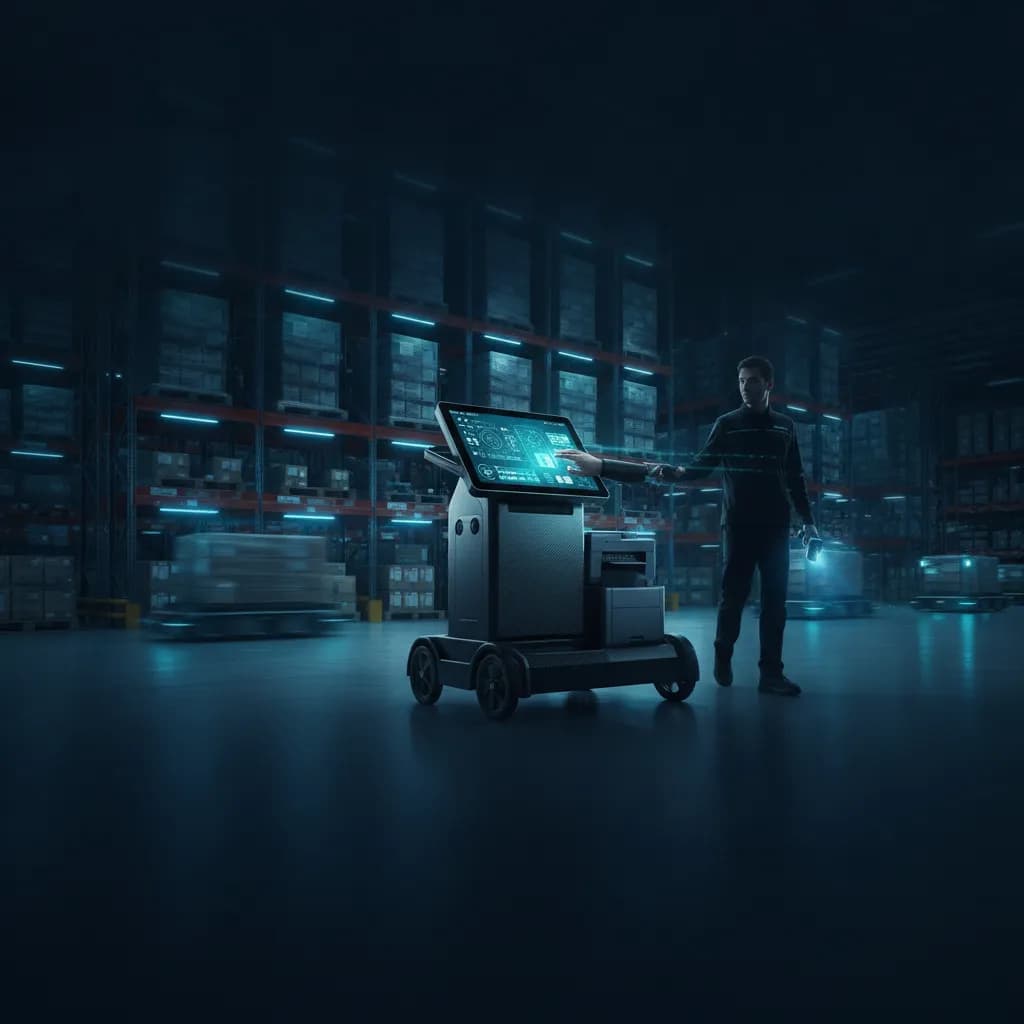
Key features that make a picker app user-friendly and reliable across devices
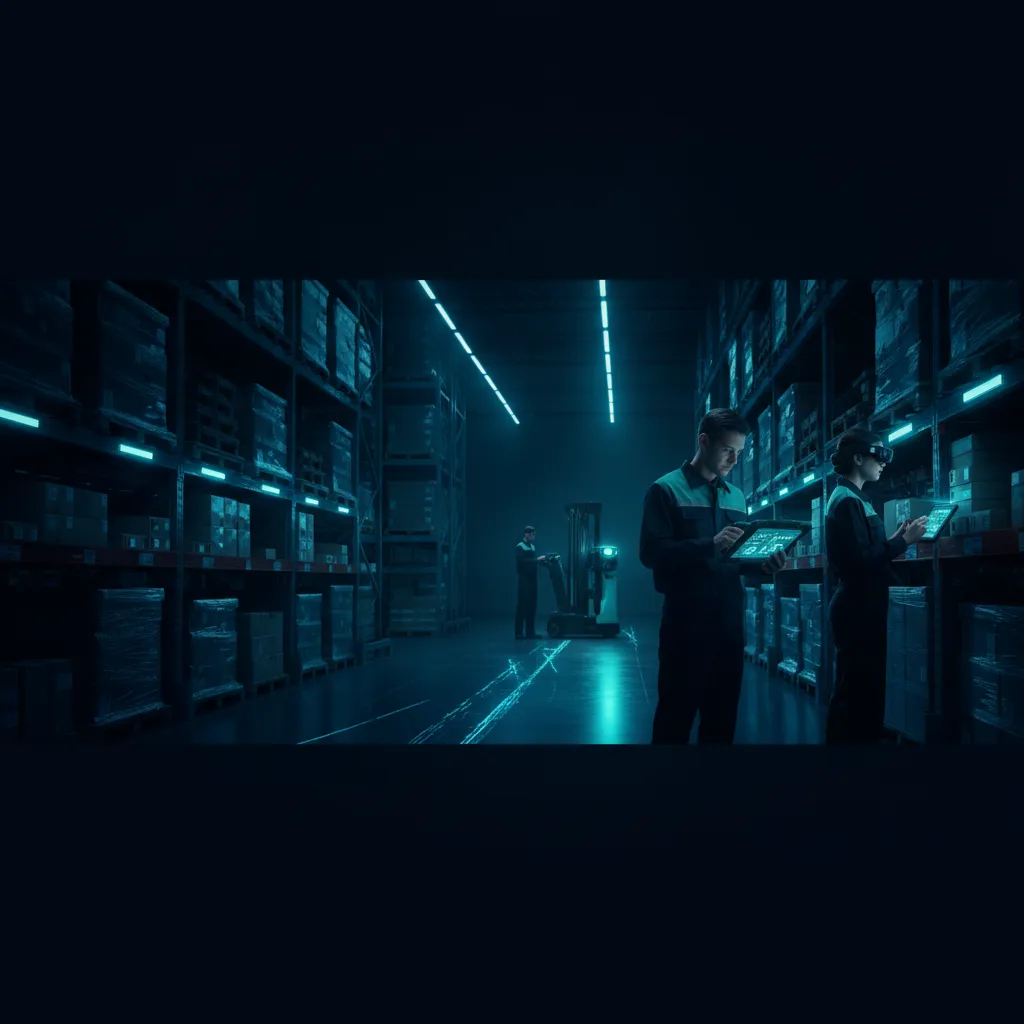
Warehouse operations exist in a fast-paced, demanding environment where every second counts and the margin for error is razor-thin. Driven by the ever-growing demands of e-commerce, modern supply chains require technology that works seamlessly alongside human operators. When supply chain managers evaluate their technology stack, they frequently ask: what makes a fulfillment tool easy to use?
The answer lies directly in the hands of your frontline workers. A poorly designed application slows down order fulfillment, frustrates employees, and drastically increases error rates. Conversely, investing in core user-friendly picker app features transforms how warehouse staff interact with technology.
This comprehensive guide breaks down the essential components of top-tier picking applications. We will explore the features that guarantee reliability across all devices, ensuring your team can work faster, smarter, and with complete confidence.

The Foundation: User-Centric Design in Warehouse Tech
At the core of any successful digital tool is thoughtful user experience design. For operators navigating high-stress, physically demanding shifts, a simple app interface isn't just a "nice-to-have" aesthetic choice—it’s a critical operational necessity. User-centric design focuses on creating digital workflows that naturally mimic the physical workflows and thought processes of the operator.
Mastering Mobile Warehouse App Interface Design
Effective mobile warehouse app interface design relies on clarity and minimal cognitive load. The best picking apps remove unnecessary clutter, presenting only the information the picker needs at that exact moment.
To achieve a truly user-friendly design, app developers should focus on:
High-Contrast Visuals: Warehouses can have harsh overhead lighting or dim aisles. High-contrast colors ensure text is readable in any lighting condition.
Thumb-Friendly Navigation: Buttons must be large enough to be easily tapped, even if the worker is wearing protective gloves.
Action-Oriented Layouts: The most frequent actions (like "Confirm Pick" or "Scan Next") should be located at the bottom of the screen, comfortably within thumb’s reach.
Accelerated Onboarding for New Hires
High turnover rates and seasonal hiring spikes are common realities in fulfillment centers. Therefore, reducing operator training time with intuitive design is a massive cost-saver.
When the interface guides the user logically from step A to step B using clear prompts rather than complex menus, new hires can hit the warehouse floor running within hours instead of weeks. An intuitive app acts as a digital supervisor, gently onboarding the user through active participation rather than requiring hours of classroom training.
Core Functionalities That Drive Efficiency and Accuracy
The primary goal of any warehouse application is to get the right product into the right box as quickly as possible. If you want to know exactly how to improve order picking accuracy, start by evaluating the input methods and routing logic of your chosen application.

Precision Through Scanning
The debate regarding barcode scanning vs manual entry efficiency has a clear, undisputed winner. Modern picker apps utilize fast-rendering barcode and QR scanners leveraging device cameras or integrated infrared scanners.
Manual data entry leaves wide margins for typographical or "fat-finger" errors, particularly when workers are moving quickly. Scanning, on the other hand, is near-instantaneous and perfectly accurate. A reliable app will instantly validate a scanned barcode against the order list, flashing green for correct items and red for incorrect ones, entirely eliminating the guesswork.
Strategic Routing and Intelligent Workflows
A superior app doesn't just tell a worker what to pick; it calculates the smartest way to get there. Optimizing picking routes for maximum efficiency is essential to prevent workers from needlessly backtracking through the same aisles. The system should dynamically calculate the shortest, most logical path through the facility based on the current order list.
Furthermore, a versatile system must accommodate different operational methodologies. Depending on order volume and facility layout, the app needs to seamlessly toggle between different strategies, such as batch picking vs wave picking workflows:
Batch Picking: The app groups multiple identical orders together, allowing a worker to pick the same SKU for several different customers in a single pass.
Wave Picking: The app releases orders in scheduled intervals (waves) based on shipping schedules, carrier cut-offs, or specific warehouse zones.
A user-friendly app allows managers to switch these workflows on the backend while keeping the front-end instructions crystal clear for the user.
Advanced Navigation and Sensory Feedback Mechanisms
Moving efficiently through a 100,000-square-foot facility requires more than a simple text-based checklist. Advanced sensory cues are critical components of modern warehouse tech.
Visual and Audio Guidance
Top-tier picker apps utilize dynamic visual guidance for inventory location tracking. Instead of just displaying "Aisle 4, Bin B," the app might provide a digital mini-map, directional arrows, or color-coded on-screen bin highlights that match physical labels on the racks.
For environments where workers must keep their visual attention focused on navigating safely around forklifts and heavy machinery, voice-directed picking system integration is a game-changer. This technology allows operators to hear picking instructions through a headset and confirm their actions verbally through a microphone, keeping their eyes up and their hands free.
Haptics and Wearable Integration
The physical sensation of interacting with software is often overlooked but highly impactful. Implementing haptic feedback in industrial mobile applications allows workers to "feel" their actions. For example, a short, sharp vibration can confirm a successful scan, while a long, heavy buzz alerts the worker to an incorrect item or an error message. This allows users to work rapidly without constantly looking down at their screens.
This sensory feedback ties perfectly into hands-free picking device compatibility. Whether your workforce uses smart glasses, wrist-mounted terminals, or Bluetooth ring scanners, a truly reliable picker app pairs easily with these peripherals.

Seamless Connectivity and Cross-Device Reliability
A picker app is ultimately only as powerful as its connection to the central database. Reliability across varying network conditions is what separates professional software from amateur tools.
The Power of Real-Time Data
The real-time inventory synchronization benefits provided by a connected app are immense. When a picker removes the last item from a shelf, the app instantly updates the central database. This immediately triggers automated reorder alerts for procurement teams, updates e-commerce storefronts to prevent overselling, and ensures customer service teams have accurate order statuses.
Achieving this requires deep warehouse management system mobile accessibility. The WMS shouldn't just be a stationary monolith residing on a manager's desktop; it needs to extend its full intelligence to the mobile devices out on the floor, ensuring everyone is operating from the same single source of truth.
Handling Wi-Fi Dead Zones Gracefully
Despite the best IT infrastructure, Wi-Fi dead zones exist in almost every warehouse—especially behind dense metal racking, inside cold storage freezers, or in the deep corners of distribution centers.
A reliable app anticipates this through robust offline data storage for remote warehouse zones. When a worker enters a dead zone, the app shouldn't freeze or crash. Instead, it should seamlessly transition to offline mode, allowing the worker to continue scanning and picking without interruption. The application caches the operational data locally on the device and instantly syncs it back to the main server the second a network connection is re-established.
The Hardware-Software Connection: Physical Comfort
Software cannot be developed in a vacuum; designers must acknowledge the physical hardware the app will run on and the human beings who will hold it.
There are vital ergonomic considerations for handheld picking devices that app developers must factor into their UX design. If a tablet interface repeatedly requires a worker to stretch their hand awkwardly to reach a crucial button, it can quickly lead to fatigue or repetitive strain injuries over an eight-hour shift.
User-friendly software respects physical ergonomics by offering:
Ambidextrous Modes: Allowing workers to toggle the UI for easy left- or right-handed use.
Dark Mode Functionality: Reducing battery drain on the device while significantly lowering eye strain for workers operating under bright, harsh industrial lighting.
Minimized Screen Taps: Using auto-advancing screens after a successful scan so the worker doesn't have to manually press "Next Item" every single time.
Conclusion
Creating a highly efficient warehouse environment requires bridging the gap between complex backend logistics and the human workers executing the tasks. By prioritizing user-friendly picker app features, businesses can drastically transform their daily operations.
From implementing intuitive interfaces that reduce onboarding time, to leveraging offline capabilities and optimized routing, every feature should serve to make the operator's job easier, faster, and more accurate. When technology is built around the needs of the user, increased productivity and higher profit margins naturally follow. Ensure your fulfillment tools are designed not just for the warehouse, but for the people working inside it.