Scheduling Orders vs Weekly Ordering: What Works for DSD?
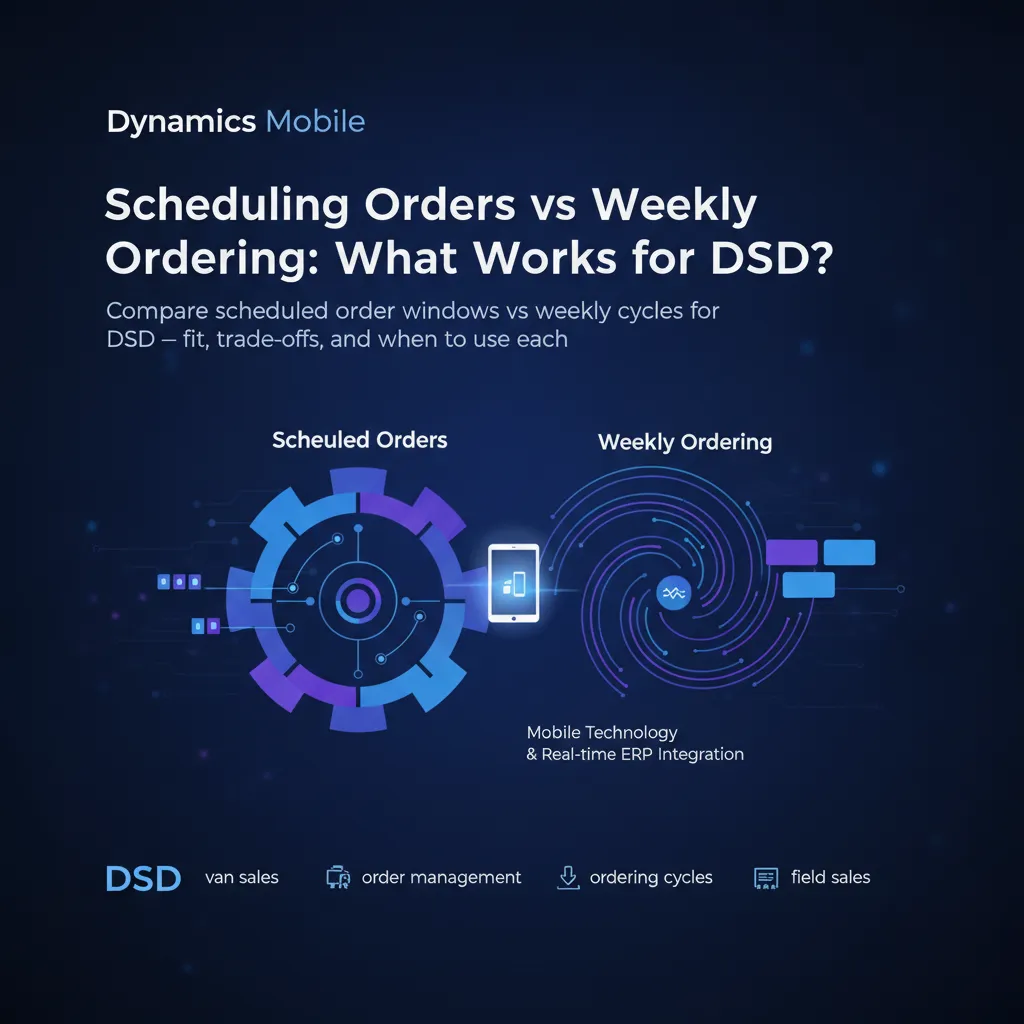
Two Models for DSD Ordering
Direct store delivery operations run on one of two ordering models: scheduled orders (pre-set windows for each account) or weekly ordering cycles (every route runs a weekly pattern). Both have been around for decades, but mobile technology and real-time ERP integration are shifting the trade-offs.
Scheduled Orders: What They Are
The customer orders on a fixed schedule — every Tuesday at 10 AM, or every other Monday. The route is built around these committed slots. The driver knows ahead of time what each stop expects and can pre-load accordingly.
Best for: Large accounts with predictable demand, contracts with minimum order quantities, and operations where truck capacity is tight and every stop needs accurate advance loading.
Weekly Ordering: What They Are
The driver visits every account on a fixed route day (e.g. all accounts on Route 7 get visited on Thursdays). The customer may or may not place an order — the driver sells from the truck inventory. It combines delivery with merchandising: restock shelves, rotate stock, collect payments, and take new orders on the spot.
Best for: High-frequency accounts like convenience stores, accounts that don't plan orders in advance, and FMCG distribution where shelf visibility matters as much as delivery.
Key Differences
| Factor | Scheduled Orders | Weekly Ordering |
|---|---|---|
| Demand pattern | Pre-committed, predictable | Spot-sold, variable per stop |
| Truck loading | Pre-loaded per order manifest | Estimated based on route history |
| Best for | Large accounts, contracts | C-stores, FMCG, high frequency |
| Offline requirement | Lower (orders captured in advance) | Critical (sell from truck in field) |
| Payment collection | Often invoiced | Mixed tender on the spot |
| Tech required | Order portal or EDI | Van sales mobile app with truck inventory |
| Disruption impact | Missed slot = missed order | Driver upsells from truck stock |
When to Combine Both
Many DSD operations run a hybrid: large accounts use scheduled ordering (pre-committed, lower-touch), while small accounts stay on weekly cycles (high-frequency, high-service). The key is having one mobile platform that handles both models.
The same driver's app should show pre-scheduled orders for some stops and enable van-selling mode for others — switching automatically based on the account type. That's where a Dynamics 365-integrated field sales app adds real value: the ERP knows which model each account uses, and the mobile app follows.
Real-World Impact
Distributors combining both models report 20-30% higher stop productivity compared to pure weekly ordering, because large accounts no longer hold up the route with lengthy order-taking. Meanwhile, small accounts still get the service frequency they need. The hybrid approach also reduces truck returns: less overstock because large accounts are pre-committed, and less understock because small-account upsell captures demand that advance orders would miss.
Getting Started
Dynamics Mobile Field Sales supports both models natively. The app differentiates account types from Business Central and adapts the stop screen accordingly — order confirmation for scheduled accounts, van selling mode for weekly cycle accounts. No custom development per model.