📊
Route Optimization Simulator
See how much time, fuel, and cost you're wasting with your current routing — in under 60 seconds.
DeliveryField Sales
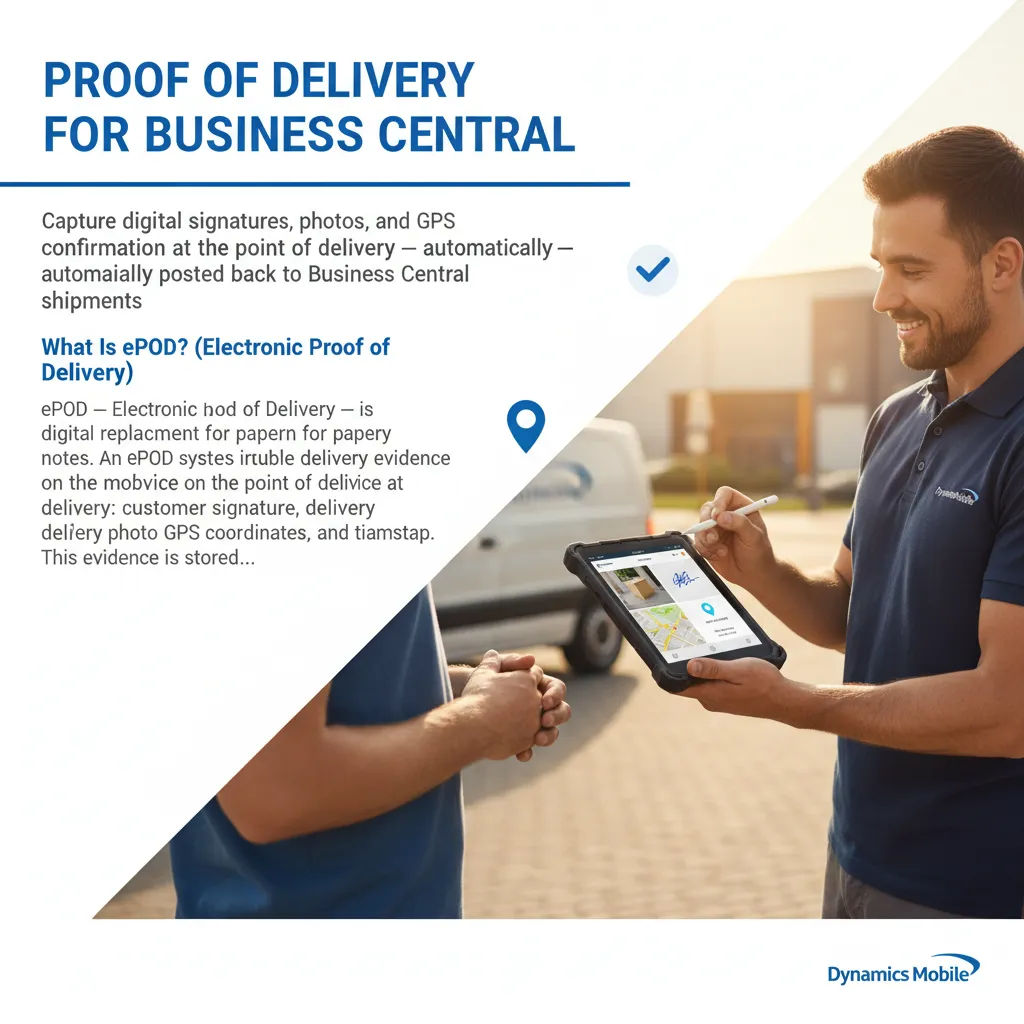
Try it →Capture digital signatures, photos, and GPS confirmation at the point of delivery — automatically posted back to Business Central shipments.
ePOD — Electronic Proof of Delivery — is the digital replacement for paper delivery notes. An ePOD system captures irrefutable delivery evidence on a mobile device at the point of delivery: customer signature, delivery photo, GPS coordinates, and timestamp. This evidence is stored electronically against the delivery record in your ERP, making it instantly searchable and legally defensible without filing paper.
In Business Central, an ePOD solution means that every sales shipment in BC has a corresponding digital proof record — signature image, photo attachment, and GPS stamp — created automatically by the delivery driver's mobile app, with no manual scanning or upload required.
Proof of Delivery (POD) for Business Central is a mobile workflow that enables delivery drivers to capture irrefutable delivery evidence — customer signature, delivery photo, GPS coordinates, and timestamp — directly from a smartphone or tablet, automatically attached to the corresponding Business Central sales shipment. This replaces paper delivery notes, eliminates manual data re-entry, and gives your customer service team instant access to delivery confirmation without chasing drivers for paperwork.
Dynamics Mobile includes a fully integrated POD module that works natively inside Business Central, with no third-party connectors or separate POD platforms to maintain.
When a delivery is confirmed in the app:
Delivery drivers frequently operate in areas with poor or no mobile data coverage. Dynamics Mobile's offline-first architecture means the POD module captures all delivery data locally when off-network and syncs automatically to Business Central when connectivity is restored. No data is lost, and drivers never see a failed submission.
Digital POD with GPS stamps provides timestamped, location-verified delivery evidence that is significantly stronger than paper. For businesses in food delivery, pharmaceutical distribution, or high-value goods sectors, this evidence satisfies insurance claims, chargeback disputes, and regulatory audit requirements far more reliably than paper delivery notes.
See how much time, fuel, and cost you're wasting with your current routing — in under 60 seconds.
Simulate a real delivery or field service day and see where cascade delays break your operation.
What's your true cost per delivery? Get an instant cost breakdown with benchmark comparison and what-if scenarios.
Capture digital signatures, photos, and GPS confirmation at the point of delivery — automatically posted back to Business Central shipments.
ePOD — Electronic Proof of Delivery — is the digital replacement for paper delivery notes. An ePOD system captures irrefutable delivery evidence on a mobile device at the point of delivery: customer signature, delivery photo, GPS coordinates, and timestamp. This evidence is stored electronically against the delivery record in your ERP, making it instantly searchable and legally defensible without filing paper.
In Business Central, an ePOD solution means that every sales shipment in BC has a corresponding digital proof record — signature image, photo attachment, and GPS stamp — created automatically by the delivery driver's mobile app, with no manual scanning or upload required.
Proof of Delivery (POD) for Business Central is a mobile workflow that enables delivery drivers to capture irrefutable delivery evidence — customer signature, delivery photo, GPS coordinates, and timestamp — directly from a smartphone or tablet, automatically attached to the corresponding Business Central sales shipment. This replaces paper delivery notes, eliminates manual data re-entry, and gives your customer service team instant access to delivery confirmation without chasing drivers for paperwork.
Dynamics Mobile includes a fully integrated POD module that works natively inside Business Central, with no third-party connectors or separate POD platforms to maintain.
When a delivery is confirmed in the app:
Delivery drivers frequently operate in areas with poor or no mobile data coverage. Dynamics Mobile's offline-first architecture means the POD module captures all delivery data locally when off-network and syncs automatically to Business Central when connectivity is restored. No data is lost, and drivers never see a failed submission.
Digital POD with GPS stamps provides timestamped, location-verified delivery evidence that is significantly stronger than paper. For businesses in food delivery, pharmaceutical distribution, or high-value goods sectors, this evidence satisfies insurance claims, chargeback disputes, and regulatory audit requirements far more reliably than paper delivery notes.
See how much time, fuel, and cost you're wasting with your current routing — in under 60 seconds.
Simulate a real delivery or field service day and see where cascade delays break your operation.
What's your true cost per delivery? Get an instant cost breakdown with benchmark comparison and what-if scenarios.