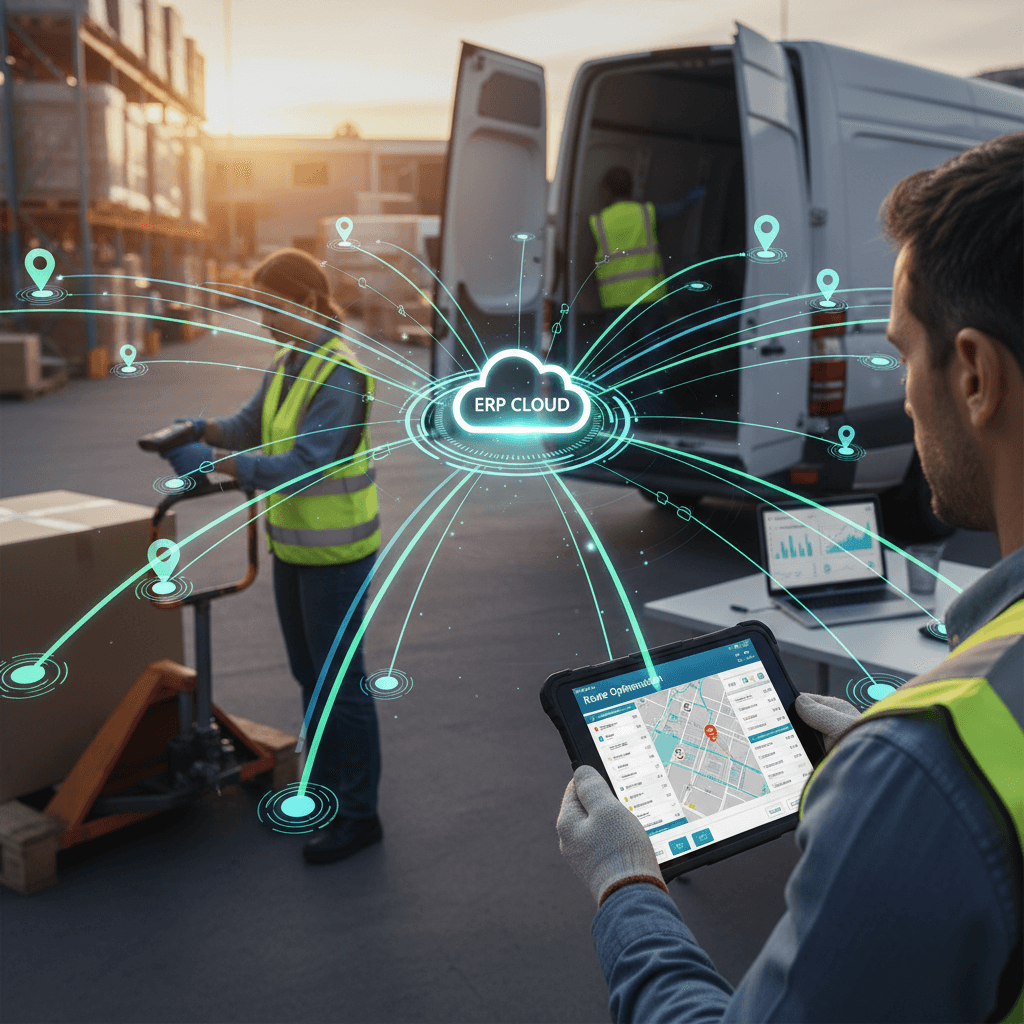
Barcode Scanning for Field Operations: A Dynamics 365 Business Central Workflow Guide
Barcode Scanning for Field Operations: A Dynamics 365 Business Central Workflow Guide
In today's dynamic business environment, operational efficiency hinges on accurate, real-time data, especially for companies managing mobile workforces, distributed inventory, and complex delivery routes. Manual processes in the field lead to costly errors, delays, and a significant lack of visibility. This guide outlines how a robust barcode scanning workflow, integrated with your Microsoft Dynamics 365 Business Central or Finance & Operations ERP, can transform your field operations from a source of friction into a competitive advantage.
1. Operational Context
Consider a typical scenario for a distribution company: a field sales representative or a delivery driver embarks on a daily route. Their vehicle is loaded with inventory – products for sale, pre-ordered deliveries, or items for potential returns. Throughout the day, they visit multiple customer locations, process sales, deliver goods, manage returns, and handle payments. This entire cycle, from loading the vehicle to reconciling inventory at day's end, involves numerous critical data points that must be accurately captured and communicated back to the central ERP system.
This workflow applies across various field operations:
- Van Sales/DSD (Direct Store Delivery): Sales reps selling directly from their vehicle, fulfilling orders, and collecting payments on the spot.
- Field Sales Visits: Taking orders at customer sites, checking stock availability, or managing product samples.
- Delivery Operations: Confirming deliveries, managing proof of delivery, and handling returns or exchanges.
- Mobile Inventory Checks: Conducting stock counts in remote depots, customer consignment locations, or service vans.
2. Common Problems
Without an integrated digital workflow, these field operations frequently encounter significant challenges:
- Manual Data Entry Errors: Illegible handwriting, transcription mistakes, or omitted information when recording sales, deliveries, or returns on paper forms.
- Inventory Discrepancies: Mismatches between physical stock in the van/field and recorded inventory in Dynamics 365, leading to lost sales or stock-outs.
- Delayed Information Flow: Sales, delivery confirmations, or return details only reach the back office hours or days later, impacting billing, inventory planning, and customer service.
- Lack of Real-time Visibility: Managers cannot track current inventory levels in field vehicles or monitor sales performance throughout the day.
- Inefficient Reconciliation: End-of-day processes for drivers/reps involve tedious manual counting and balancing of cash and stock, consuming valuable time.
- Disconnected Systems: Field data remains isolated until manually entered into Dynamics 365, creating operational silos.
- Poor Customer Experience: Delays in order processing, incorrect deliveries, or inability to provide immediate stock information at the point of interaction.
3. How the Digital Workflow Works
Implementing a digital barcode scanning workflow, integrated with Dynamics 365 Business Central or Finance & Operations via a mobile platform, transforms these operations into a streamlined, accurate process. Here's a step-by-step breakdown:
3.1. Preparation and Loading
- Route and Order Assignment: Back-office staff in Dynamics 365 define daily routes, assign customer visits, and generate pre-sales orders or delivery manifests.
- Vehicle Loading: In the warehouse, items are picked and loaded onto the field vehicle. Using a mobile device, warehouse staff or the driver scans each item as it's loaded. This real-time scan updates the vehicle's inventory in Dynamics 365, ensuring accuracy from the start.
- Data Sync to Mobile: The mobile application (e.g., Dynamics Mobile) on the field device receives the assigned route, customer details, and loaded inventory manifest directly from Dynamics 365.
3.2. On-Route Operations and Customer Visits
- Customer Arrival: Upon arrival at a customer location, the field rep/driver accesses the customer's details and pending orders on their mobile device.
- Sales Order Creation/Fulfillment:
- For new sales: The rep scans product barcodes as the customer selects items. The mobile application instantly pulls item details (price, description, stock availability) from Dynamics 365.
- For pre-orders: The rep scans items as they are delivered to confirm receipt against the manifest.
- Inventory Management:
- Delivery Confirmation: Scanning items upon delivery serves as proof of delivery, automatically updating inventory from the vehicle to the customer's ledger in Dynamics 365.
- Returns Processing: If a customer returns an item (e.g., damaged goods, unsold stock), the rep scans the item's barcode. The system captures the return reason and updates the vehicle's inventory, flagging the item appropriately for return to the warehouse.
- Payment and Invoicing: The mobile device generates an invoice based on scanned items. Payments (cash, card) can be processed directly on the device, with data synced to Dynamics 365 for accounting.
- Real-time Updates: All transactions (sales, deliveries, returns, payments) are immediately synced with Dynamics 365, providing the back office with an accurate, up-to-the-minute view of field inventory, sales, and route progress.
3.3. End-of-Day Reconciliation
- Vehicle Unloading/Reconciliation: Back at the depot, the driver scans any remaining inventory in the vehicle. The mobile application automatically compares this physical count against the expected remaining stock (loaded - sold - returned).
- Discrepancy Resolution: Any discrepancies are immediately highlighted, allowing for investigation and adjustment before final reconciliation.
- Final Sync: The reconciled data is pushed to Dynamics 365, closing out the daily route and providing a comprehensive overview of sales, inventory movements, and cash collected.
An integrated mobile solution like Dynamics Mobile extends the power of Dynamics 365 Business Central or Finance & Operations directly to your field teams, ensuring data integrity and real-time operational control.
4. Example Scenario: FreshBite Distributors
FreshBite Distributors, a company specializing in direct-to-store delivery of perishable goods, faced significant challenges with manual order taking and inventory reconciliation. Their drivers used paper manifests, leading to frequent errors in delivery and end-of-day stock counts. This resulted in lost revenue from missed sales opportunities and increased administrative overhead.
By implementing a mobile barcode scanning workflow integrated with their Dynamics 365 Business Central system, FreshBite transformed its operations. Now, drivers use ruggedized mobile devices with integrated barcode scanners. When a driver arrives at a grocery store, they scan items to be delivered, confirming the order. For new sales, they scan products directly from the van, and the mobile app generates an immediate invoice. Any returns of expired or damaged goods are scanned and logged instantly. At the end of the day, the driver scans remaining stock in the van, and the system automatically reconciles it against the day's transactions. This process has virtually eliminated manual errors, provided real-time visibility into van inventory, and significantly reduced reconciliation time, allowing drivers to focus more on customer service and less on paperwork.
5. Operational Benefits
Adopting a barcode scanning workflow for field operations offers tangible, measurable improvements:
- Fewer Errors: Eliminates manual data entry, drastically reducing transcription errors in sales orders, delivery confirmations, and inventory counts.
- Faster Processing: Expedites sales order creation, delivery confirmation, and payment collection at the customer site. End-of-day reconciliation is automated, saving hours for drivers and back-office staff.
- Improved Inventory Accuracy: Provides real-time, precise inventory visibility for field vehicles and remote locations, minimizing discrepancies and optimizing stock levels. This means fewer stock-outs and better sales opportunities.
- Better Visibility for Managers: Centralized access to real-time sales data, inventory levels in transit, and route progress allows managers to make informed decisions quickly, optimize routes, and respond to issues proactively.
- Increased Productivity for Field Teams: Frees up reps and drivers from tedious administrative tasks, allowing them to focus more on selling, delivering, and providing excellent customer service.
- Enhanced Compliance and Audit Trails: Every scan creates a digital record, providing a clear audit trail for all transactions and inventory movements, crucial for regulatory compliance and internal controls.
6. Conclusion
For organizations operating with mobile workforces and distributed inventory, leveraging barcode scanning integrated with Microsoft Dynamics 365 Business Central or Finance & Operations is not merely an efficiency upgrade; it's a strategic imperative. It moves beyond basic data capture to create a connected, intelligent operational ecosystem. By digitizing critical field workflows, companies can eliminate errors, accelerate processes, and gain unprecedented visibility, ultimately driving profitability and customer satisfaction.
Modernize your field operations and unlock the full potential of your Dynamics 365 investment. Discover how a tailored mobile solution can empower your teams and streamline your workflows.
Book a demo today at dynamicsmobile.com.