What Dynamics 365 Partners Are Leaving on the Table in Field Operations
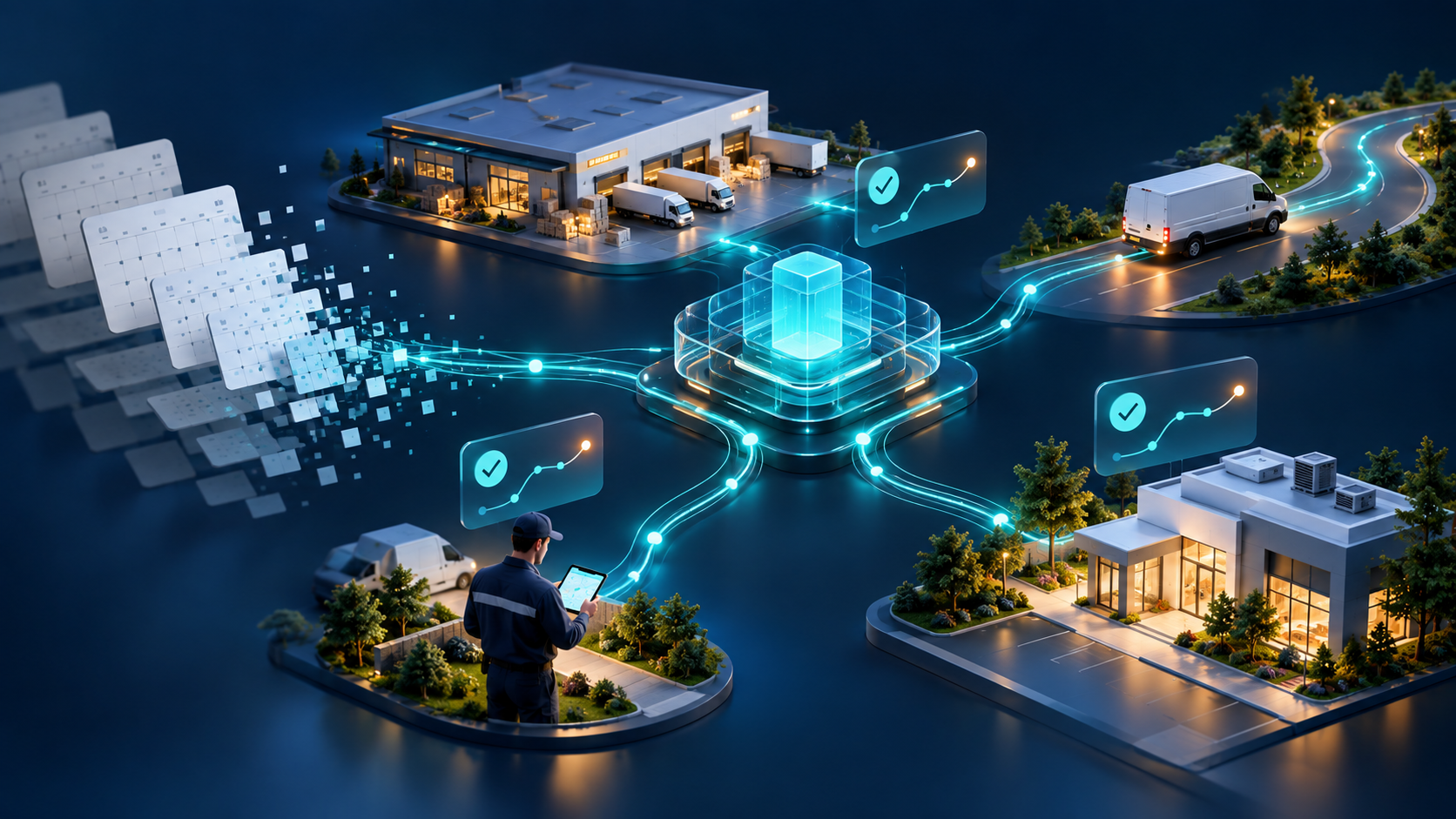
The Opportunity You Already Own
Most Dynamics 365 partners are good at the first sale. You implement Business Central or Finance & Operations, you migrate the data, you train the finance team, and you hand over a system that now holds the single source of truth for the customer’s business.
Then something predictable happens. A few months later, the same customer signs a field-operations project with somebody else — a specialist mobile vendor, a Power Apps build, or a competitor who noticed the gap first. The account did not go cold. The budget did not disappear. The partner simply stopped selling at the ERP boundary, and the work outside it belonged to whoever showed up.
Field operations is not a new-market play. It is the deepest-footprint play available inside accounts you already own.
Why Field Operations Is a Deeper-Footprint Play, Not a New-Market Play
The difference matters for how you sell it.
A new-market play requires new logos, new discovery, new trust, and a competitive bake-off against whoever already owns the relationship. High cost of acquisition, long cycle, unfamiliar stakeholders.
A deeper-footprint play starts from a system you built, in an account that already trusts you, with data you already understand. The stakeholders are usually people your customer’s finance team already talks to: the sales director, the operations manager, the warehouse supervisor, the service manager. The technical risk is low because the integration target is your own implementation.
And the commercial shape is better than it first appears. ERP implementation is a project with an end date. Field operations is a platform — routes, orders, warehouse execution, service jobs, telematics, and a customer portal — that expands user by user, site by site, and country by country. That is repeatable revenue attached to a relationship you already have.
What Is Actually on the Table
Solution | What it covers | Where it typically lands |
|---|---|---|
Field Sales | Direct Store Delivery, Pre-Sales, Merchandising, and Collections. Offline-capable, with pricing engine, geofenced visit validation, payment collection, route optimization, van inventory, and electronic document delivery. | FMCG, distribution, wholesale, and any business with reps or drivers visiting customers. Works with Business Central and Finance & Operations. |
Field Service | Work order management, task assignment, parts inventory, GPS geofencing, offline-first execution. | Equipment, utilities, facilities, and service businesses already running D365 Field Service or a manual dispatch process. |
Warehouse Mobility | Receiving, put-away, picking, packing, transfers, and stock counting with barcode and QR scanning, lot/batch/expiry tracking, posted to Business Central in real time. | Customers who bought Business Central for inventory and still run the floor on paper. Note: requires a live network connection — no offline mode. |
Customer Portal | B2B self-service for order placement, invoice visibility, and delivery tracking. | Wholesale and retail customers whose order desk is buried in inbound calls. |
Fleet Control | Vehicle telematics, IoT sensors, GPS tracking, driver risk assessment, and fleet KPI dashboards. | Distribution and service fleets. Requires compatible IoT hardware. |
Route Wizard | Route and territory planning for visit sequencing, workload balancing, and execution guidance. | Customers whose sales or service planning lives in a spreadsheet and one person’s head. |
Everything above runs on iOS, Android, and Windows, integrates at the ERP data-model level with Microsoft Dynamics 365 Business Central and Finance & Operations, and carries an AI agent layer that reconciles, detects anomalies, and executes pre-approved actions within customer-defined policies.
How to Find the Opportunity Inside an Existing Account
You do not need a new discovery methodology. You need eight questions asked of the customer you already support.
Signal you will hear | What it usually means | What to raise |
|---|---|---|
“The warehouse team prints the pick list from BC.” | Business Central is the system of record; the floor is still paper-driven. | Warehouse Mobility — barcode verification at every step and real-time posting. |
“Our reps fill in order forms and someone types them in later.” | Field data reaches the ERP hours or days late, and reconciliation is manual. | Field Sales with offline-first capture and enforced ERP business rules on-device. |
“Route planning is done by one person in Excel.” | Capacity, time windows, and visit frequency rules are not systematically applied. | Route Wizard, then Field Sales to execute what it plans. |
“Dispatchers coordinate technicians by phone.” | No schedule board, no geofencing, no verifiable arrival data. | Field Service with task assignment, parts inventory, and GPS geofencing. |
“Customers call us just to ask where their delivery is.” | The customer has no visibility, so they use your staff as the interface. | Customer Portal, plus electronic document delivery from the field. |
“We run four sites and every one does it differently.” | Standardization opportunity across an existing ERP rollout. | A single platform with per-site configuration, expanded site by site. |
“We are moving Business Central to the cloud this year.” | A change-control window where new mobile capability is easier to justify. | Bundle field operations into the migration conversation rather than after it. |
“What are we doing about AI?” | The customer has budget and no plan. Most likely answer today: nothing grounded in operational data. | Agentic operations on top of mobile execution data — with governance, thresholds, and an audit trail. |
The last row is the one partners most often miss. Customers are asking an AI question and usually receiving a Copilot licensing answer. The partner who can connect agents to real field transactions — routes, orders, scans, service jobs — answers the question they actually asked.
What Partners Can Bring — and What Dynamics Mobile Brings With You
The Dynamics Mobile Partner Network is built so a partner does not need to become a mobile software company to sell mobile field operations.
Ready-to-integrate solutions. Field Sales, Field Service, Warehouse Mobility, Customer Portal, Fleet Control, and Route Wizard, integrated with Business Central and Finance & Operations at the business-logic level, not through middleware you have to build and maintain.
Co-sell support. Joint discovery and scoping with an established field automation vendor — 17+ years in production field automation, 1,000+ concurrent users, ISO 27001 certified, with EU data residency available.
DMOps.ai platform access. Partners get access to the DMOps.ai platform, test boxes, and the ability to build and deploy their own agentic apps — expanding a Dynamics practice into AI-powered field operations without a product-development programme.
Enablement and materials. Specialized software, training, and dedicated partner support, so your consultants can demo, configure, and deploy field solutions confidently.
Commercial incentives. Attractive discounts on products and services plus incentive programmes that reward successful collaborations and repeat deployments.
Partners already in the network include firms such as SAGlobal, Prodware, KPMG Crimsonwing UK, Xenatus Global, Headstart, allonline365, and Exigy — Microsoft Dynamics partners selling into the same markets you do.
Customer outcomes speak to what the platform enforces: as Nestlé Waters’ ISIT Manager for the Levant, Tony Choueifaty, put it — “Choosing Dynamics Mobile has been a key module for retail business, managing customer deliveries, stock management and pricing structure. The automated E2E allows full traceability in every step.”
A 30-Day Starting Plan
Week 1 — Pick five accounts. Choose customers running Business Central or Finance & Operations where you have a healthy relationship and at least one field, warehouse, or service team.
Week 1 — Ask the eight questions. Listen for the signals in the table above. You are not running discovery; you are confirming which gap exists.
Week 2 — Size one opportunity. Take the clearest gap and assemble a first-year view: user count, sites, and the operational metric you will move — short deliveries, pick accuracy, schedule adherence, inbound order calls.
Week 3 — Get enabled. Register for the partner programme, get access to test boxes, and run the solution in front of your own team so you are demonstrating, not describing.
Week 4 — Co-sell. Bring us into the account for a joint scoping session and a working demonstration against their data and their process.
Two honest notes before you pitch: the warehouse solution requires real-time connectivity, so scope it to sites that have coverage; and AI agent capabilities are currently available to invited customers through the early access programme, so position agents as the roadmap the customer can enter now, not a same-day switch.
Register for the September 30 Partner Webinar
On September 30 we are running a live session for Dynamics 365 partners on the field-operations expansion opportunity: where it sits inside an existing account, how co-selling works, what the DMOps.ai platform gives your practice, and how to build a first-year business case around a metric the customer already measures.
Join the webinar — September 30
Live partner session: the field-operations opportunity inside accounts you already own.
Register for the LinkedIn Live webinar →
Not able to attend? See the full partner opportunity, including DMOps.ai platform access, test boxes, and the enablement programme: Become a Dynamics Mobile Partner →