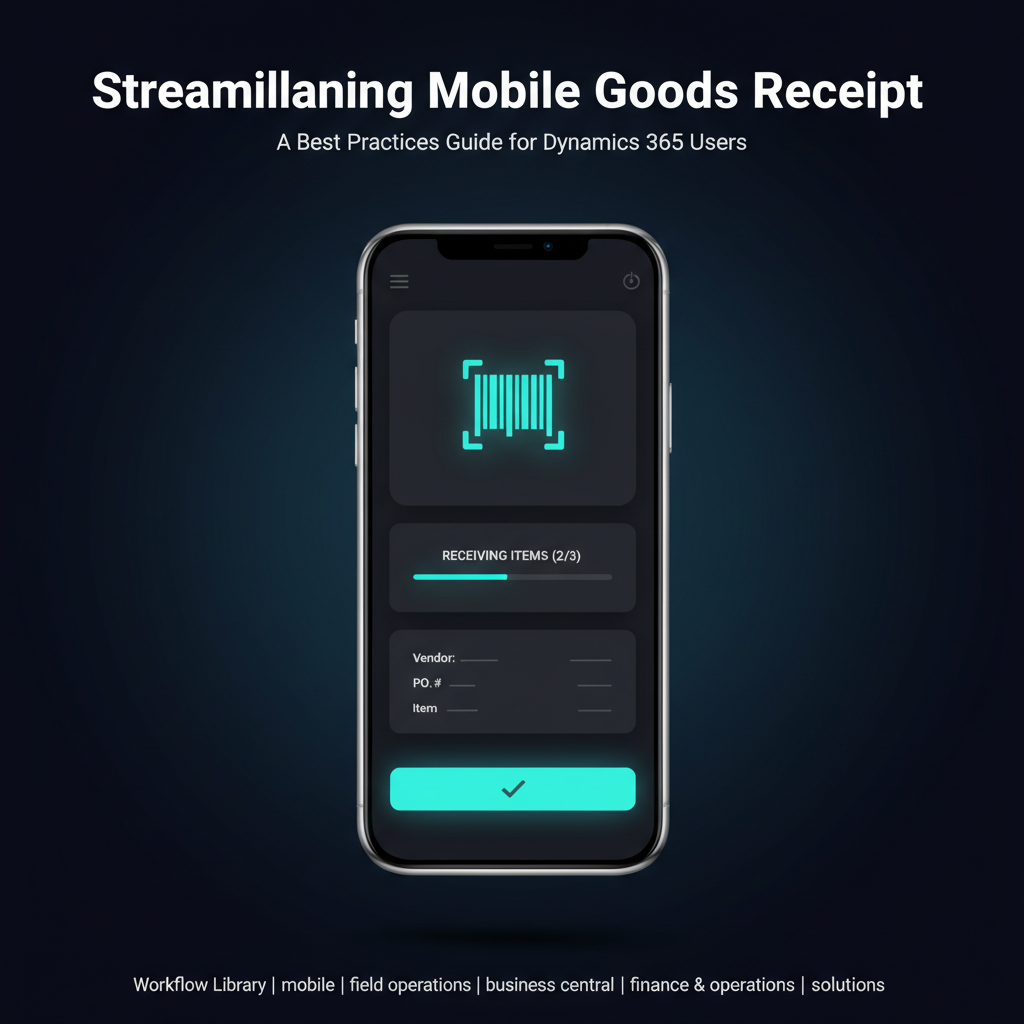
Streamlining Mobile Goods Receipt: A Best Practices Guide for Dynamics 365 Users
Inaccurate or delayed goods receipt processes can ripple through an entire organization, leading to inventory discrepancies, missed sales opportunities, and frustrated customers. For businesses relying on Microsoft Dynamics 365 Business Central or Finance & Operations, ensuring that incoming inventory is accurately and efficiently recorded, whether at a central warehouse, a customer site, or in a delivery van, is paramount for maintaining operational integrity and financial health. This guide explores how modern mobile solutions can revolutionize this critical workflow.
Operational Context: Where Goods Receipt Happens
Goods receipt is often envisioned as a dock worker scanning items into a central warehouse. While this is a common scenario, the reality for many enterprises, especially those with mobile workforces, is far more diverse. Accurate goods receipt is fundamental to supply chain integrity and inventory management, occurring in various critical operational settings:
DSD (Direct Store Delivery) / Van Sales Returns: Field sales representatives or drivers frequently receive returns from customers—be it damaged goods, expired products, or overstocked items. Recording these returns accurately at the point of collection is crucial for real-time inventory adjustments and proper credit processing.
Field Service Part Receipts: Service technicians often receive parts on-site, either from a central warehouse delivery, a local depot, or even another technician. Ensuring these parts are logged into inventory immediately upon receipt prevents 'phantom stock' and ensures accurate billing. Conversely, returning unused or defective parts also requires a robust mobile receipt process.
Inter-Company / Inter-Branch Transfers: Goods moving between different company locations, distribution centers, or retail stores require meticulous receipt processes to maintain accurate stock levels across the entire enterprise. Mobile solutions facilitate this at the receiving branch.
Warehouse Receiving: Even in traditional warehouse settings, mobile technology enhances the receiving process by empowering staff to scan and verify goods directly at the unloading point, integrating seamlessly with putaway strategies.
Each of these scenarios demands a flexible, accurate, and real-time goods receipt mechanism to ensure that the inventory recorded in your Dynamics 365 system truly reflects physical stock levels.
Common Problems in Traditional Goods Receipt
Without the aid of modern technology, goods receipt processes are often plagued by inefficiencies and errors that can have significant operational and financial repercussions:
Manual Data Entry Errors: Relying on handwritten notes or manual keying into ERP systems is highly susceptible to transcription errors, typos, and omissions. These seemingly small mistakes can lead to major inventory discrepancies.
Delays in Processing: Paperwork must often travel from the point of receipt to an office for data entry. This delay means that stock is physically present but not yet reflected in the system, impacting real-time availability for sales orders or production planning.
Lack of Real-time Visibility: Managers lack immediate insight into incoming stock, making it difficult to make informed decisions about order fulfillment, replenishment, or resource allocation. This 'blind spot' can lead to overstocking or stockouts.
Inventory Discrepancies: The cumulative effect of errors and delays often results in significant mismatches between physical inventory and system records, leading to costly write-offs, lost sales, and inefficiencies in warehouse operations.
Disconnected Systems: When field operations rely on separate tools or manual processes, the information doesn't flow seamlessly into Dynamics 365, creating data silos and requiring redundant data entry.
Inefficient Auditing: Tracing the origin of discrepancies or verifying receipt details becomes cumbersome and time-consuming with paper-based or fragmented systems.
How the Digital Workflow Works: Mobile Goods Receipt with Dynamics 365
A modern mobile goods receipt workflow, integrated with Microsoft Dynamics 365 Business Central or Finance & Operations, transforms these challenges into streamlined, accurate, and transparent processes:
Preparation in Dynamics 365
The process begins in your Dynamics 365 ERP. A Purchase Order (PO) for supplier goods or a Transfer Order (TO) for inter-company movements is created and approved. This establishes the expected items, quantities, and delivery locations.
Mobile Device Engagement
When goods arrive at a warehouse, are collected by a DSD driver, or received by a field technician, the user accesses their dedicated mobile application (such as those provided by Dynamics Mobile ) on a smartphone or tablet. The app presents a list of expected receipts based on open POs or TOs from Dynamics 365.
Item Identification and Validation
The user utilizes the mobile device's camera or an integrated barcode scanner to scan item barcodes (UPC, EAN, QR codes). The mobile solution instantly validates the scanned item against the associated PO or TO in Dynamics 365. This ensures the correct item is being received.
Quantity Verification and Lot/Serial Tracking
The user inputs or verifies the received quantity. For items requiring lot or serial number tracking, the mobile application prompts for this information, ensuring full traceability from the moment of receipt. This data is captured accurately at the source.
Discrepancy Reporting and Exception Handling
If there's a discrepancy (e.g., damaged goods, over-receipt, under-receipt), the mobile application allows the user to record this immediately. They can attach photos, add notes, and select predefined reasons for the discrepancy. This generates an exception that can trigger specific workflows in Dynamics 365 for resolution.
Real-time Posting to Dynamics 365
Once the receipt is confirmed on the mobile device, the data is transmitted instantly to Dynamics 365. The system automatically creates the corresponding receipt document, updates inventory levels, and posts to the general ledger. This real-time integration eliminates delays and ensures system accuracy.
Example Scenario: DSD Driver Processing Customer Returns
Imagine a DSD driver, Sarah, visiting a grocery store. The store manager needs to return several cases of soda that are nearing their expiration date and a damaged carton of snacks. Traditionally, Sarah would manually write down the returned items and quantities on a paper form, which would later be submitted at the depot for manual entry into Dynamics 365.
With a mobile goods receipt solution like Dynamics Mobile , Sarah uses her rugged Android tablet. She opens the app, selects the customer, and initiates a 'Customer Return' process. She then scans the barcode on each case of soda and the damaged snack carton. The app pre-fills the item details and prompts her for the quantity and reason for return (e.g., 'Expired,' 'Damaged'). She can even take a photo of the damaged carton directly through the app. Once she confirms the return on her device, the transaction is immediately posted to Dynamics 365 Business Central. The store's account is credited, and the inventory in Sarah's van is updated in real-time. By the time Sarah drives away, the back office already has accurate information about the returned goods, enabling prompt processing and reducing the risk of discrepancies.
Operational Benefits
Implementing a mobile goods receipt process delivers tangible, measurable improvements across your operations:
Fewer Errors: Automated barcode scanning and digital data capture significantly reduce manual input errors, leading to higher data quality and fewer inventory discrepancies.
Faster Processing: Eliminating paper forms and manual data entry accelerates the entire receipt process. Goods are reflected in the system as soon as they are physically received, improving inventory turnover and availability.
Improved Inventory Accuracy: Real-time updates ensure that Dynamics 365 always reflects the true stock levels, whether in the warehouse, in transit, or on a field service van. This leads to better stock management, reduced carrying costs, and fewer stockouts.
Better Visibility for Managers: Operations managers and logistics teams gain instant, comprehensive visibility into inbound inventory. They can track receipts, monitor discrepancies, and make proactive decisions based on accurate, up-to-the-minute data.
Increased Productivity for Field Teams: Field sales reps, DSD drivers, and service technicians spend less time on administrative tasks and more time on core activities like sales, service, or deliveries, directly impacting revenue generation and customer satisfaction.
Enhanced Audit Trails: Every transaction, including timestamps, user IDs, and any notes or photos, is digitally recorded, providing a complete and easily accessible audit trail for compliance and problem resolution.
Conclusion: Modernizing Your Goods Receipt for Operational Excellence
The accuracy and efficiency of your goods receipt process are foundational to effective supply chain management and overall operational health. For organizations leveraging Microsoft Dynamics 365 Business Central or Finance & Operations, relying on outdated, manual methods for receiving inventory—whether in a traditional warehouse or a dynamic field environment—is a significant impediment to growth and profitability.
By adopting a mobile goods receipt solution, enterprises can eliminate common pain points, drive down error rates, accelerate processing times, and achieve unparalleled inventory accuracy and visibility. This modernization is not just about adopting new technology; it's about empowering your workforce with the tools they need to perform at their best, ensuring that every incoming item is accounted for, every transaction is precise, and your Dynamics 365 system is a true reflection of your physical assets.
To explore how Dynamics Mobile can help your organization implement a streamlined, accurate, and real-time mobile goods receipt process integrated with your Microsoft Dynamics 365 Business Central or Finance & Operations, visit our solutions page.