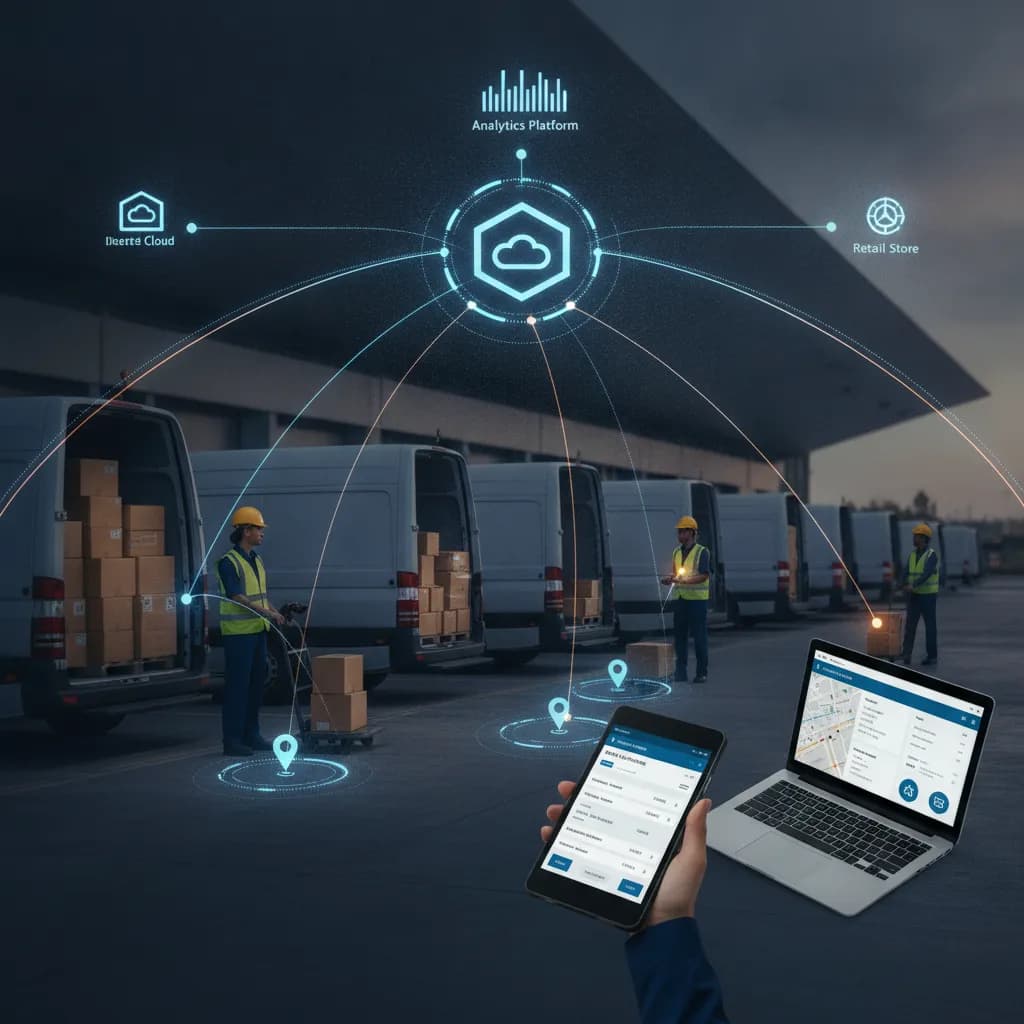
Essential Features of Reliable Offline CRM Solutions

In today’s hyper-connected business landscape, we often assume that internet access is universal. But for field sales representatives, technicians, and remote teams, this "always-on" connectivity is a myth. Dead zones, rural territories, and secure facilities with strict network restrictions can instantly cut your team off from crucial client data.
When your team relies entirely on cloud-based systems, a dropped signal means halted productivity. This is exactly where offline CRM solutions become a game-changer. By allowing teams to access, edit, and input data without an internet connection, these platforms ensure that business never stops—even when the Wi-Fi does.
If you are evaluating offline crm tools for your organization, you might be wondering which functionalities are non-negotiable. Let’s dive into the common features you need to look for to keep your remote teams productive, secure, and fully equipped.
The Disconnected Reality: Why Offline Capabilities Matter
Imagine a sales representative pitching a high-value agricultural product to a farmer in a rural location. Suddenly, the tablet loses cellular service. If the rep cannot access pricing sheets, historical purchase data, or even basic contact info, the deal is at risk.
Managing sales in remote areas with no connectivity is a daily hurdle for many industries, including agriculture, construction, manufacturing, and field healthcare. When comparing cloud vs on-premise software for field teams, the defining factor usually boils down to accessibility. While pure cloud solutions offer ease of access across devices when the internet is booming, they turn into expensive digital paperweights in dead zones.
A reliable offline system bridges this gap, allowing your staff to operate seamlessly, regardless of their proximity to a cell tower.

Core Features of Reliable Offline CRM Solutions
When shopping for a robust system, it isn’t enough for the software to simply "cache" a few web pages. You need a comprehensive tool designed with offline-first architecture. Here are the core features you must prioritize.
1. True Offline Access and Local Storage
The most fundamental question any field rep will ask is how to access customer data without internet. A dependable offline CRM doesn't just store data in the cloud; it creates an encrypted, local copy on the user's device.
This brings us to the immense local storage benefits for remote sales records. By housing a mirrored version of the database on a smartphone, tablet, or laptop, reps can instantly pull up client histories, product catalogs, and contract templates. Look for systems that offer deep local storage capabilities rather than superficial web-browser caching, which often expires or gets accidentally cleared.
2. Intelligent Data Synchronization
Working offline is only half the battle; the real magic happens when connectivity is restored. Your CRM must feature automatic data synchronization when back online.
This means that as soon as a rep's device detects a stable Wi-Fi or cellular connection, the software should silently push all new data to the main server while simultaneously pulling any updates made by the rest of the team.
Furthermore, when syncing local contact lists with cloud servers, the system must have intelligent "conflict resolution." If a field rep updates a client’s phone number offline, and an office worker updates the same client’s email address online, the CRM should be smart enough to merge these changes without overwriting either party’s hard work.
3. Uninterrupted Lead Capture and Management
Opportunities don't wait for a strong Wi-Fi signal. Whether your team is at a bustling trade show with congested networks or a remote industrial park, they need lead capture functionality without Wi-Fi.
A frequent question on enterprise software forums is: “is there a lead management app that works in airplane mode?” The answer is a resounding yes, provided you choose the right software. Top-tier offline CRMs allow reps to create new lead profiles, add notes, schedule follow-ups, and log meeting outcomes while completely disconnected. Once the device goes back online, those leads are automatically funneled into your main sales pipeline, triggering welcome emails and next steps without any manual data entry.
4. Comprehensive Field Automation
It is one thing to view a contact; it is another to execute complex workflows. Your CRM should enable field service automation without cellular signal.
For example, a technician should be able to generate a service quote, capture a client’s digital signature on their screen, and mark a job as "complete"—all entirely offline. To achieve this, IT leaders must focus on securely setting up mobile database apps for sales and service teams. These apps act as standalone mini-servers on the mobile device, executing business logic and automation rules locally until they can communicate with the mothership.

Security, Speed, and Deployment Architecture
Moving away from pure cloud environments opens up a variety of deployment options. Depending on your industry's compliance regulations (such as HIPAA in healthcare or ITAR in defense), you may require total control over your data.
Choosing the Right Deployment Strategy
For organizations prioritizing data sovereignty, a non-cloud crm or a self-hosted crm is often the best route. Unlike multi-tenant cloud platforms where your data sits on shared servers, an on-premise crm lives entirely on your company’s internal hardware.
When evaluating these systems, you will encounter different forms of local crm software. Some organizations prefer desktop CRM software with local database capabilities for their regional offices. Others need highly portable customer management tools for laptops, allowing traveling executives to securely manage accounts on long flights or in remote hotels.
If you are moving away from mainstream SaaS platforms, you should thoroughly research the best self-hosted relationship management alternatives. These platforms offer the modern interfaces of cloud apps but give your IT department ultimate authority over data governance.
Speed and Low Latency
One of the most overlooked benefits of offline-capable systems is sheer speed. Cloud applications are notoriously dependent on bandwidth; a slow connection means waiting seconds for a single contact page to load.
By operating a local database, you are effectively reducing latency in customer information retrieval. When a sales rep clicks on a client profile, it loads instantaneously because the data is being fetched from the device's internal memory, not a server 3,000 miles away. This frictionless experience drastically improves user adoption rates among sales teams.
Uncompromising Data Security
Taking data offline introduces legitimate security concerns. If a tablet is left in a taxi, you cannot risk a data breach. However, modern offline systems offer enhanced data security through local hosting and military-grade device encryption.
When selecting an offline CRM, ensure it includes:
AES-256 Encryption: All locally stored data must be heavily encrypted at rest.
Remote Wipe Capabilities: If a device is lost or stolen, IT administrators must be able to remotely destroy the local database the moment the device connects to the internet.
Role-Based Access Control (RBAC): Even offline, reps should only be able to access the specific territories and client files assigned to them, minimizing the footprint of sensitive data on any single device.

Actionable Tips for Choosing and Implementing Your CRM
Transitioning to an offline-capable or self-hosted CRM requires careful planning. Here are practical steps to ensure a smooth rollout:
Audit Your Field Connectivity: Before buying, survey your field team. Track exactly how often they lose connectivity and which specific tasks (e.g., pulling quotes, logging calls, capturing signatures) are hindered by dead zones.
Test the Sync Conflict Rules: During your software demo, intentionally create a data conflict. Change a record on the desktop, turn off the mobile device's Wi-Fi, change the same record on mobile, and reconnect. Watch exactly how the CRM handles the conflict to ensure vital data isn't easily overwritten.
Evaluate Hardware Limitations: Offline storage requires physical memory. If you are rolling out portable tools with heavy local databases, ensure your team’s laptops and tablets have adequate storage space and processing power to handle local queries without draining the battery.
Prioritize the Mobile UX: The best offline features are useless if the app is clunky. Ensure the user interface is intuitive. Field reps need to input data quickly between meetings, so streamlined navigation is critical.
Plan Your Maintenance Strategy: If you opt for an on-premise solution, remember that your internal IT team will be responsible for server maintenance, updates, and backups. Ensure you have the internal bandwidth to support this architecture.
The Bottom Line
In a business environment that demands agility, your software shouldn't be crippled by a dropped cell signal. Equipping your workforce with robust offline crm solutions empowers them to deliver exceptional customer experiences, regardless of their location.
By prioritizing features like intelligent automatic synchronization, uncompromising local security, and uninterrupted lead capture, you ensure that your sales engine never stalls. Whether you opt for a self-hosted enterprise system or a nimble, offline-first mobile app, the right solution will grant your team the ultimate competitive advantage: the ability to work anywhere, anytime, without limitations.