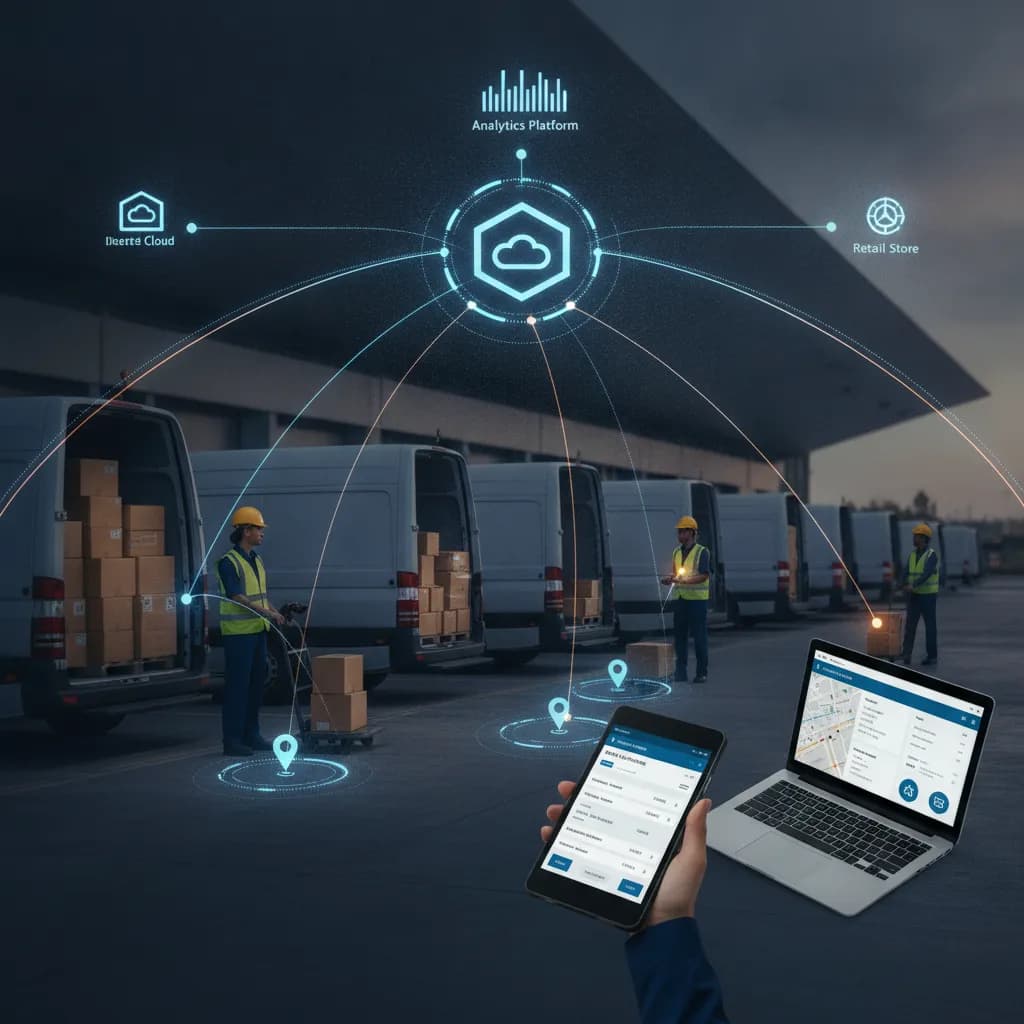
Overcoming Resistance: Practical Strategies for Mobile App Adoption in Field Operations

Rolling out a new mobile application to your field workforce often feels like a significant victory for digital transformation. Yet, the reality for many enterprises is a quiet, persistent struggle: low adoption rates. Despite the investment, many field service technicians, DSD drivers, and sales reps revert to old habits, manual processes, or simply use the app begrudgingly, undermining the very benefits it was designed to deliver. This guide provides practical, experience-driven strategies to bridge the gap between technology deployment and genuine user embrace, ensuring your mobile workforce solutions truly empower your operations.
The Hidden Costs of Unadopted Mobile Apps: Why Field Teams Resist
The resistance to new mobile apps in field operations isn't always overt. It often manifests as inconsistent data entry, delayed task completion, or a general reluctance to engage with the system. For IT managers, it's a frustrating paradox: 'We built it, why aren't they using it?'
Common reasons for resistance include:
- Complexity and Poor User Experience (UX): An app that requires too many taps, is unintuitive, or clunky frustrates users who need speed and simplicity. A DSD driver rushing through a delivery won't tolerate an app that slows them down.
- Lack of Perceived Value (WIIFM): If the app doesn't demonstrably make their job easier or more efficient, field personnel see it as an extra burden, not a tool. Why log inventory digitally if they still have to manually count it?
- Fear of Surveillance or Micromanagement: Employees may perceive the app as a tool for tracking their every move rather than assisting their work, breeding mistrust.
- Inadequate Training and Support: A one-off training session isn't enough. Without ongoing, accessible support, users quickly get stuck and abandon the app.
- Technical Issues: Frequent crashes, slow performance, or connectivity problems (especially offline) are deal-breakers for field teams who operate in varied environments.
- Disruption to Established Routines: People naturally resist change, particularly when their livelihood depends on efficient, familiar workflows.
The impact of low adoption is substantial:
- Reduced Productivity: Time wasted on manual workarounds or struggling with the app directly impacts service delivery, sales calls, or delivery routes.
- Poor Data Quality: Incomplete or inaccurate data entry leads to flawed inventory counts, incorrect invoicing, and unreliable operational analytics.
- Operational Compliance Risks: Critical safety checks or regulatory reporting might be skipped if the app process is cumbersome, leading to potential fines or incidents.
- Eroding ROI: The initial investment in software, hardware, and implementation yields minimal returns if the tools aren't consistently used.
Bridging the Gap: Understanding the Field User's Reality
To overcome resistance, empathy is paramount. Step into the boots of a field service technician, a van sales rep, or a delivery driver. Their operational reality is often demanding, time-sensitive, and physically taxing.
Key user needs for mobile apps in the field:
- Offline-First Capabilities: Connectivity is never guaranteed. Apps must function seamlessly in remote areas or basements, synchronizing data only when a connection is available.
- Rugged Device Compatibility: The app must perform reliably on devices designed for harsh environments, not just consumer-grade smartphones.
- One-Handed Operation: Often, field workers have only one hand free. Interfaces should be simple to navigate with minimal finger acrobatics.
- Quick Data Entry & Minimal Taps: Every extra tap or complex form field costs precious seconds. Prioritize barcode scanning, voice input, and pre-filled data where possible.
- Clarity and Simplicity: Information should be presented clearly, with immediate access to critical data like customer history, inventory levels, or next delivery stops.
“Focus on the 'What's In It For Me?' (WIIFM) for the end-user. If the app doesn't directly solve a pain point or save them time, adoption will struggle.”
For a DSD driver, WIIFM might be faster invoice generation and less paperwork. For a field service technician, it could be instant access to equipment manuals and parts inventory. Articulating these direct benefits is crucial.
Practical Strategies for Driving Mobile App Adoption
User-Centric Design & Development
- Involve Field Users Early: Conduct workshops, focus groups, and ride-alongs during the discovery and design phases. Their insights are invaluable for shaping workflows and interfaces.
- Pilot Programs with Champions: Launch a pilot with a small group of enthusiastic field users. They can provide critical feedback, identify bugs, and become internal advocates.
- Iterative Feedback Loops: Design isn't a one-time event. Continuously collect feedback through in-app surveys, direct interviews, and support channels to inform ongoing improvements.
Robust Training & Ongoing Support
- Beyond One-Off Sessions: Provide multi-format training: hands-on workshops, short video tutorials, quick-reference guides, and in-app walkthroughs.
- Accessible Helpdesk: Ensure field users have clear, immediate channels for support—a dedicated phone line, chat, or email, staffed by knowledgeable personnel.
- Field Trainers/Coaches: Deploy experienced users or dedicated trainers to ride along with field staff, offering on-the-job coaching and troubleshooting.
Seamless Integration & Performance
- Connect to Core Systems: The mobile app must integrate seamlessly with your ERP (e.g., Microsoft Dynamics 365, Business Central, Finance & Operations) for real-time data exchange. This ensures accurate inventory, pricing, customer data, and order processing. Dynamics Mobile, for instance, is built on this premise, ensuring field teams always have the most current information.
- Speed and Reliability: Optimize app performance to prevent lag, crashes, or data synchronization issues. A slow app is a quickly abandoned app.
- Data Integrity: Implement robust synchronization protocols to ensure data captured in the field is accurately and consistently updated in the backend system, and vice-versa.
Clear Communication & Value Proposition
- Articulate the 'Why': Clearly explain the strategic reasons for the new app and, more importantly, how it directly benefits the field user. Frame it as a tool to empower them, not just to track them.
- Highlight Success Stories: Share examples of how early adopters are finding success and efficiency with the new tool.
Leadership Buy-in & Champion Programs
- Visible Management Support: When leaders actively endorse and use the app (where applicable), it sends a strong message about its importance.
- Cultivate Internal Advocates: Identify and empower 'super users' or 'champions' within the field team. They can provide peer-to-peer support and encourage adoption.
The IT Manager's Toolkit: Technical & Operational Considerations
For IT managers, driving adoption goes beyond deployment; it involves strategic planning and continuous management.
- Mobile Device Management (MDM) Strategies: Implement a robust MDM solution for secure device provisioning, software updates, app distribution, and remote troubleshooting. This ensures consistency and security across your mobile fleet, from rugged tablets for warehouse mobility to smartphones for field sales.
- Designing for 'Offline-First' Functionality: Prioritize app architecture that allows users to perform critical tasks without an internet connection. Data should be securely stored locally and synchronized automatically when connectivity is restored. This is non-negotiable for last-mile logistics and field service.
- Robust Data Synchronization Protocols: Establish clear, efficient, and secure mechanisms for data exchange between mobile devices and backend ERP systems. This includes conflict resolution, error handling, and ensuring data consistency for inventory visibility and route accounting.
- Performance Monitoring and Analytics: Utilize tools to track app usage, performance metrics (load times, crash rates), and user behavior. Proactively identify bottlenecks or areas of friction that impact user experience.
- Scalability Planning: Design the mobile solution with future growth in mind. It should be able to accommodate an expanding workforce, new device types, and evolving operational demands without requiring a complete overhaul.
Measuring Success and Sustaining Momentum
Adoption is an ongoing journey, not a destination. Consistent monitoring and iteration are key.
- Define Key Adoption Metrics: Track usage rates (daily/weekly active users), task completion times, error rates within the app, user feedback scores, and tangible operational efficiency gains (e.g., reduced paperwork, improved first-time fix rates, faster delivery times).
- Implement Iterative Improvement Cycles: Based on user feedback and performance data, plan regular updates and feature enhancements. Show your field teams that their input matters and the app is continually evolving to meet their needs.
- Celebrate Successes and Recognize Adopters: Publicly acknowledge teams or individuals who are effectively using the app and achieving positive results. This fosters a culture of acceptance and encourages others.
- Plan for Future Enhancements: Keep the app roadmap dynamic. Introduce new features that add further value, such as AI-assisted operations for predictive maintenance or advanced route optimization, to maintain relevance and excitement among the field workforce.
Successfully integrating mobile apps into field operations requires a holistic approach that prioritizes user experience, robust technology, and continuous support. It's about empowering your field teams, not just equipping them. By understanding their reality and addressing their concerns head-on, you can transform resistance into enthusiastic adoption, unlocking significant productivity gains and a strong ROI for your enterprise.
Ready to implement mobile workforce solutions that your field teams will actually embrace? Explore how Dynamics Mobile delivers intuitive, robust, and integrated platforms designed for seamless adoption and operational excellence, built on Microsoft Dynamics 365.