Portal Update: App Switcher, Quick Search & Live Announcements
🔧 What’s New
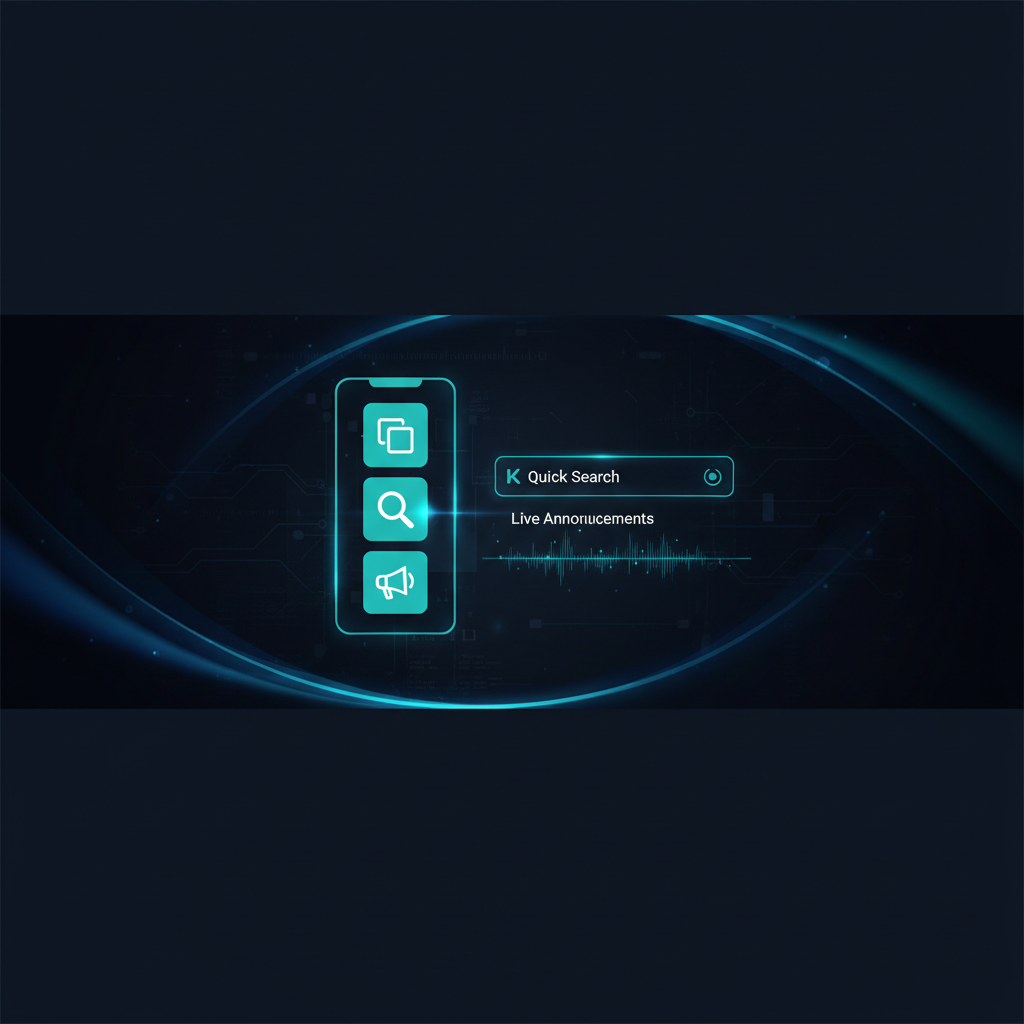
🔀 App Switcher — redesigned
Clean tiles and new icons on some apps
Clear active app highlight
Close instantly with ESC or click outside
👉 Faster switching, less cognitive load
⚡ Quick Search (Ctrl + K)
Search across all apps
Jump directly to any task
👉 No more menu digging
📢 Live System Announcements
Real-time updates pulled from Dynamics Mobile
Visible directly inside the portal
👉 Important changes, always in front of users
🔐 Smoother Login
Fixed workspace dropdown issues
More predictable access flow
🛠 Reliability Improvements
Faster menu loading
Subscription warnings improved
PWA install issues resolved
Better error handling across the portal
👉 Overall: more stable, more responsive experience
🔄 Not Seeing the Update?
If something looks off (old UI, broken buttons), it’s usually browser cache.
Quick fix (30–60 seconds):
Hard refresh
Windows:
Ctrl + Shift + RMac:
Cmd + Shift + R
Reopen the tab
Restart the browser (if needed)
Still not updated?
Clear cache
Chrome → Settings → Privacy → Clear browsing data → Cached filesUsing the app (PWA)?
Close and reopen
If needed: reinstall it
💡 Why this happens
Browsers cache files for speed. After updates, old files can conflict with new ones. A refresh forces a clean load.
Need help?
If the issue persists, contact:
📧 support@dynamicsmobile.com