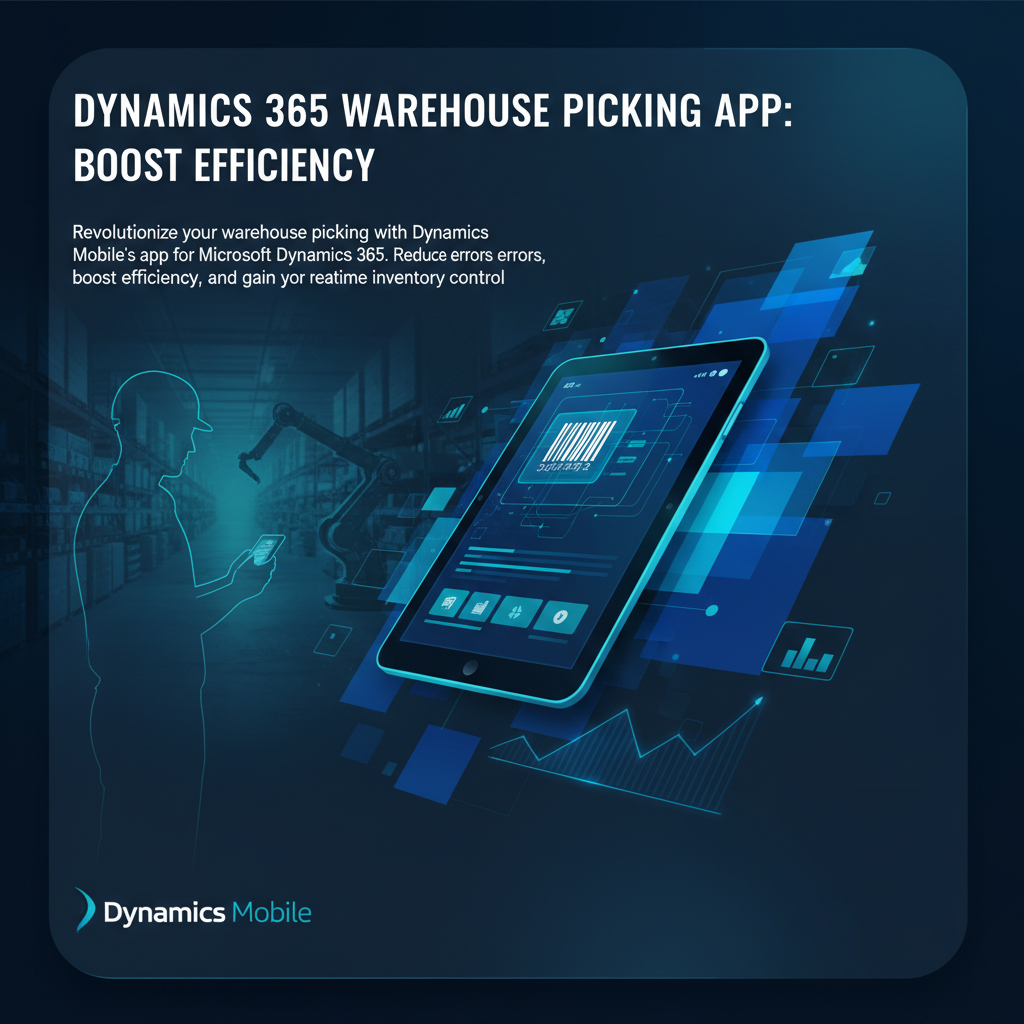
In today's fast-paced supply chain, inefficient warehouse picking can cripple your operations, leading to costly errors, delayed shipments, and frustrated customers. Are you still grappling with manual picking processes, outdated inventory data, and a workforce struggling with cumbersome systems? Enterprise leaders understand that optimizing the picking process is not just about moving goods, but about leveraging technology to gain a competitive edge. It's time to elevate your warehouse management with a purpose-built, mobile-first solution designed to integrate seamlessly with your existing Microsoft Dynamics 365 environment.
Transform Your Warehouse Picking with Dynamics 365 Mobile
The core challenge for many field operations managers and logistics executives is the gap between planning and execution on the warehouse floor. Traditional methods often suffer from a lack of real-time visibility, leading to:
- Manual Errors: Typos, misreads, and incorrect item selections plague processes, causing costly returns and rework.
- Slow Processes: Inefficient routing, paper-based instructions, and a lack of immediate data access drag down picking speeds.
- Outdated Inventory Data: Discrepancies between physical stock and system records lead to stockouts, overstocking, and inaccurate fulfillment promises.
Dynamics Mobile's **Dynamics 365 Warehouse Picking App** directly addresses these pain points. By providing a robust, mobile solution, we empower your team with the tools needed to execute picking tasks with precision and speed.
Leverage Real-Time Data Synchronization with Your Existing Dynamics 365 Environment
Our **Dynamics 365 Warehouse Picking App** is engineered for deep, native integration with Microsoft Dynamics 365 Business Central and Finance & Operations. This means:
- Instantaneous updates of inventory levels as items are picked and moved.
- Orders flow directly from Dynamics 365 to the mobile devices, ensuring workers always have the most current task list.
- All picking activities are recorded in real-time, providing an accurate audit trail and eliminating data entry delays.
Empower Your Workforce with Intuitive, Guided Picking Workflows on Mobile Devices
User adoption is critical for any new system. Our **Dynamics 365 Warehouse Picking App** features an intuitive interface designed for ease of use, minimizing training time and maximizing productivity. Your team benefits from:
- Guided Workflows: Step-by-step instructions lead pickers along the most efficient routes, reducing travel time and search efforts.
- Visual Confirmation: Images and detailed product information prevent mispicks, especially for similar-looking items.
- Immediate Feedback: Workers receive instant validation for correct picks and alerts for errors, allowing for on-the-spot correction.
Key Features for Optimized Warehouse Operations
The Dynamics Mobile **Dynamics 365 Warehouse Picking App** is packed with enterprise-grade features designed to optimize every aspect of your picking process, from single-item orders to complex batch fulfillments.
- Real-Time Inventory Updates and Stock Visibility Across All Locations: Gain an accurate, live view of your inventory. Know exactly what you have, where it is, and its status, enabling better planning and preventing stockouts or overstock. This transparency is crucial for IT Directors needing robust data integrity and Field Operations Managers requiring immediate decision-making capabilities.
- Support for Various Picking Strategies: Batch, Wave, Zone, and Single-Order Picking: Adapt to your operational needs with flexible picking methodologies. Whether you're fulfilling numerous small orders or large, complex ones, our **Dynamics 365 Warehouse Picking App** supports the strategy that best fits your business rules, maximizing efficiency and throughput.
- Integrated Barcode Scanning for Items, Locations, and Containers to Ensure Accuracy: Eliminate manual data entry errors. Our app leverages device cameras or integrated scanners for rapid and accurate scanning of barcodes, QR codes, and RFID tags, verifying every pick against the order and location data. This drastically reduces mis-shipments and improves overall order accuracy.
- Offline Capabilities to Maintain Productivity Even Without Continuous Network Access: Keep your operations running smoothly, even in areas with poor Wi-Fi or cellular coverage. Our **Dynamics 365 Warehouse Picking App** allows pickers to continue working, syncing data automatically once connectivity is restored. This ensures uninterrupted productivity and eliminates bottlenecks caused by network drops.
- Lot and Serial Number Tracking: Maintain full traceability for regulated industries or high-value items, ensuring compliance and accurate recall management.
- Cross-Docking and Replenishment Support: Optimize goods flow directly from inbound to outbound, or automatically trigger replenishment tasks based on picking activity, reducing storage time and improving inventory turns.
Achieve Tangible ROI: Efficiency, Accuracy, and Cost Savings
Investing in a modern **Dynamics 365 Warehouse Picking App** isn't just about technology; it's about driving measurable business outcomes. Dynamics Mobile helps enterprises like yours achieve significant return on investment through enhanced operational performance.
- Significantly Reduce Picking Errors and Mis-shipments, Improving Customer Satisfaction: Accurate order fulfillment is the bedrock of customer loyalty. By minimizing errors, you reduce costly returns, re-shipping fees, and the negative impact on your brand reputation. Satisfied customers are repeat customers.
- Accelerate Order Fulfillment Cycles, Leading to Faster Delivery and Increased Throughput: Speed is a competitive differentiator. Our **Dynamics 365 Warehouse Picking App** streamlines workflows, optimizes routes, and provides real-time guidance, enabling your team to process more orders in less time. This means faster delivery to your customers and increased overall warehouse throughput.
- Optimize Labor Utilization Through Efficient Routing and Task Management: Manual processes waste valuable labor hours. The guided workflows and intelligent task assignment capabilities within our app ensure that your picking team is always working optimally, minimizing idle time and maximizing output. This translates directly into lower labor costs per order.
- Gain Actionable Insights into Picking Performance and Inventory Movement: With all data flowing directly into Dynamics 365, you gain powerful analytics. Identify bottlenecks, track individual picker performance, monitor inventory turns, and make data-driven decisions to continually refine and improve your warehouse operations.
“Enterprises deploying a mobile-first picking solution typically see a 25-40% reduction in picking errors and a 15-30% improvement in overall warehouse efficiency within the first year.”
Why Choose Dynamics Mobile for Your Picking Solution?
When selecting a **Dynamics 365 Warehouse Picking App**, you need a partner with deep expertise, a proven track record, and a solution built for the demands of enterprise-level operations. Dynamics Mobile stands out as the premier choice for organizations leveraging Microsoft Dynamics 365.
Built Natively on Microsoft Dynamics 365 Business Central and Finance & Operations
Our solution isn't just integrated; it's **built natively on Microsoft Dynamics 365/BC**. This means seamless data flow, consistent user experience, and full compatibility with your existing ERP system, minimizing implementation complexities and maximizing long-term stability. IT Directors can rest assured of a solution that extends their existing Dynamics investment, rather than creating new data silos.
Robust, Scalable Solution Designed for Enterprise-Level Warehouse Environments
From small distribution centers to multi-site global operations, the Dynamics Mobile **Dynamics 365 Warehouse Picking App** is engineered to scale with your business. Our architecture supports high transaction volumes and complex workflows, ensuring consistent performance as your operations grow. We are **deployed in 20+ countries**, a testament to our global capability and robust design.
Cross-Platform Compatibility Supporting Android and iOS Devices
Empower your workforce with the flexibility to use their preferred devices. Our **Dynamics 365 Warehouse Picking App** **runs natively on Android & iOS**, providing a consistent and optimized experience across smartphones, rugged handhelds, and tablets. This reduces hardware costs and simplifies device management.
Customizable Workflows to Align with Your Unique Operational Requirements and Business Rules
Every warehouse is unique. Dynamics Mobile understands that a one-size-fits-all approach doesn't work for enterprise operations. Our **Dynamics 365 Warehouse Picking App** offers extensive customization options, allowing you to tailor workflows, business rules, and user interfaces to perfectly match your specific operational requirements and competitive advantages.
Works Fully Offline
Connectivity challenges should never halt your critical operations. Our **Dynamics 365 Warehouse Picking App** **works fully offline**, ensuring your picking teams remain productive regardless of network availability. Data is securely stored on the device and automatically synchronized with Dynamics 365 once a connection is re-established, guaranteeing data integrity and uninterrupted workflow.
Ready to revolutionize your warehouse picking, eliminate errors, and achieve new levels of efficiency? The Dynamics Mobile **Dynamics 365 Warehouse Picking App** is the strategic investment your enterprise needs to optimize its supply chain and enhance profitability. Don't let outdated processes hold you back. Discover how a truly integrated, mobile-first solution can transform your warehouse operations and deliver significant ROI. Request a personalized demo of Dynamics Mobile's Warehouse Picking App today and take the first step towards a more efficient, accurate, and profitable future.
How to Implement Barcode-Based Warehouse Picking in D365
- Assess Your Current Picking Workflow
Map out your existing paper-based or RF-gun picking process. Identify bottlenecks — mispicks, double-handling, data entry lag — and define the KPIs you want to improve: pick accuracy, lines per hour, or order cycle time.
- Choose a Native D365 Mobile Picking App
Select a solution that connects directly to Business Central or F&O without middleware. Look for real-time barcode scanning, pick-and-pack workflows, and offline fallback so work continues even during network outages.
- Configure Pick Routes and Bin Strategies
Set up zone picking, wave picking, or cluster picking rules in D365. Define bin sequencing to minimize travel distance. The mobile app should guide workers through the most efficient path.
- Integrate Barcode Scanning into Receiving and Shipping
Extend scanning beyond picking — use the same mobile device for purchase order receiving, putaway, cycle counting, and shipment verification. A unified scan-flow reduces training and errors.
- Train Warehouse Staff and Go Live
Run a pilot in one zone with 2-3 pickers. Measure accuracy and speed against the baseline, then roll out warehouse-wide. Most teams reach full productivity within one shift.