What Is a Mobile CRM and Why Do Field Teams Need One?
A mobile CRM is a customer relationship management application designed for use on smartphones and tablets — giving field sales reps, account managers, and service technicians instant access to customer data without being tethered to a desktop.
Most field teams either carry a disconnected spreadsheet, rely on memory, or bounce between a standalone CRM and their ERP system. The result: duplicated data, missed follow-ups, and customer records that are always slightly out of date.
Dynamics Mobile solves this by embedding a full mobile CRM experience directly inside Microsoft Dynamics 365 Business Central — so the data is always live, always unified, and always accessible.
Mobile CRM Features Built for Business Central Users
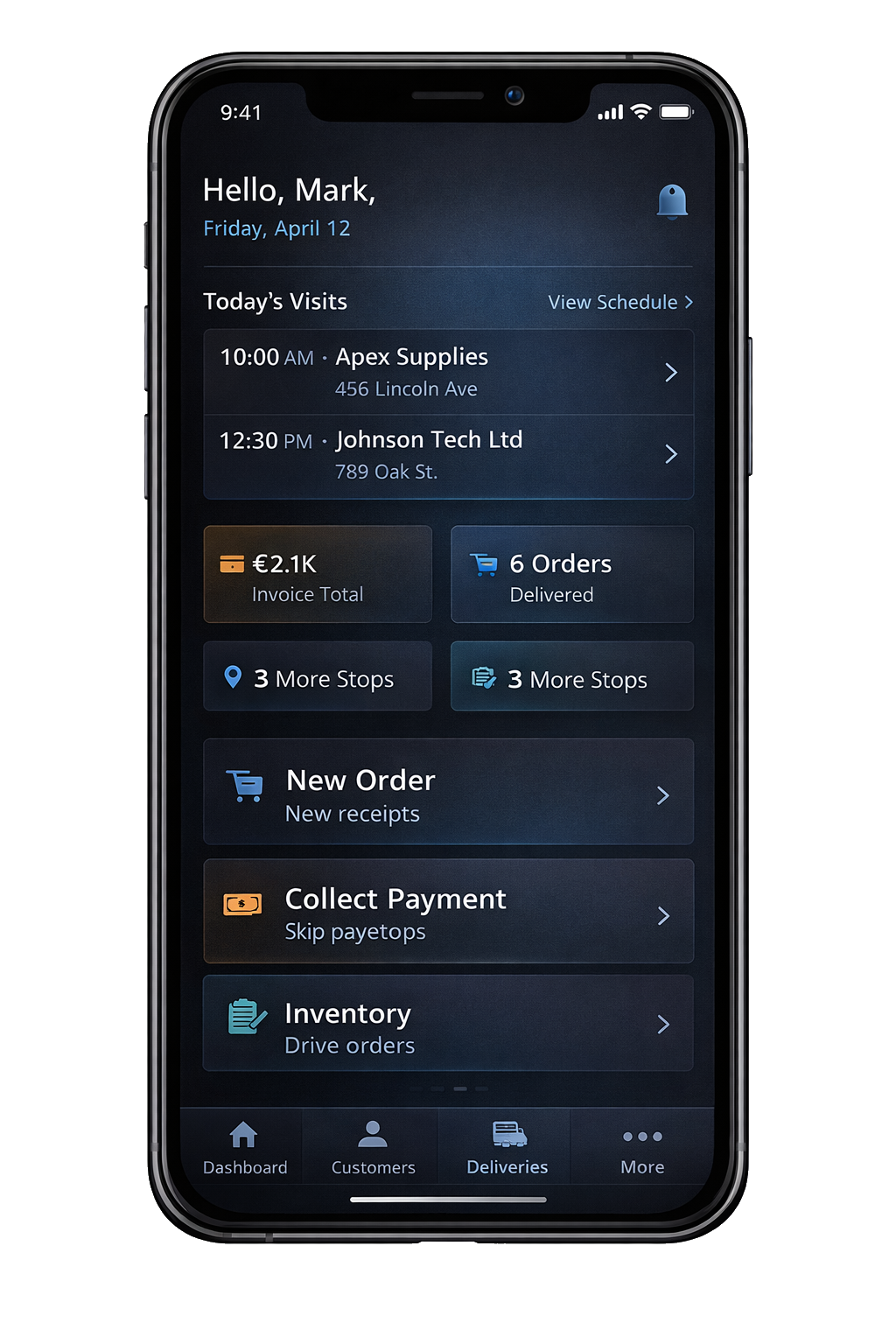
- Customer 360 on any device: Full account history, open orders, invoices, and contacts — available offline and synced the moment connectivity returns.
- Activity logging: Log calls, visits, and notes directly from the field. Every interaction is recorded in BC automatically.
- Order capture and quoting: Reps can create sales orders, check real-time inventory, and issue quotes — without logging into BC from a browser.
- Route-optimised call planning: Assign visits by territory, optimise routes, and track completion — all from the same mobile CRM app.
- Offline-first architecture: Works in warehouses, remote sites, or anywhere without signal. Data syncs automatically when reconnected.
- No third-party CRM subscription: Because the data lives in Business Central, there is no Salesforce or HubSpot licence to maintain alongside your ERP.
Mobile CRM: Dynamics Mobile vs. Standalone Mobile CRM Apps
| Capability | Dynamics Mobile (BC-native) | Standalone Mobile CRM |
|---|
| ERP data sync | ✅ Real-time, no middleware | ⚠️ API integration needed |
| Offline mode | ✅ Full offline-first | ⚠️ Varies by vendor |
| Order creation in field | ✅ Native BC sales order | ❌ Separate system |
| Inventory visibility | ✅ Live from BC | ❌ Not available |
| Additional licence cost | ✅ None beyond DM licence | ❌ Per-seat CRM fees |
| Implementation time | ✅ Weeks | ⚠️ Months (integration) |
Who Uses a Mobile CRM with Business Central?
Field Sales Teams
FMCG, wholesale, and distribution reps use Dynamics Mobile to replace paper forms and disconnected tablets. Every visit is logged, every order is created on the spot, and every manager has real-time visibility.
Van Sales and Route Reps
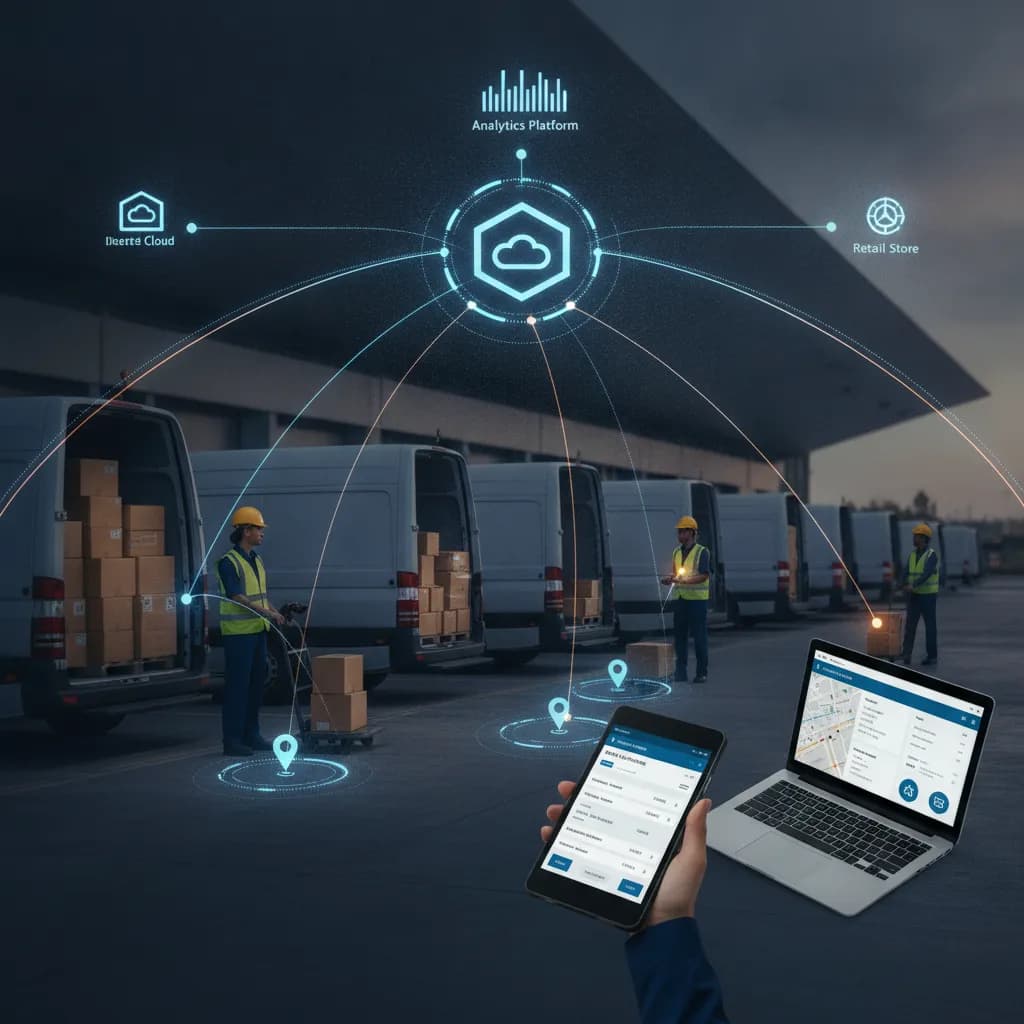
Pre-sale and van sales drivers use the mobile CRM features to check customer account status, take orders on the truck, and reconcile stock at end of day — all from a single app.
Account Managers
Account managers working out of the office benefit from the offline customer 360 — full order history, pricing tiers, and contact details available anywhere, even in customer premises with no Wi-Fi.
Mobile CRM for Business Central — FAQ
- Does Dynamics Mobile replace Salesforce or HubSpot?
- For organisations already on Business Central, Dynamics Mobile provides all the mobile CRM capabilities needed for field sales without a separate CRM platform. If you require advanced marketing automation, a lightweight integration between BC and your marketing CRM may still be useful — but the field execution layer is fully covered.
- Does it work on iOS and Android?
- Yes. Dynamics Mobile apps are available on both iOS and Android, with a consistent UI and offline-first sync on both platforms.
- How does the offline mode work?
- Customer records, pricing, product catalogues, and account history are cached locally on the device. Field reps can read, update, and create records while offline. Changes queue automatically and sync to Business Central the moment connectivity is restored.
- What mobile CRM apps integrate with Business Central?
- Dynamics Mobile is purpose-built for Business Central and offers the deepest native integration. Salesforce and HubSpot can be connected via third-party connectors, but require additional middleware and licence costs. For BC-native organisations, Dynamics Mobile is the recommended mobile CRM choice.
- Is there a free trial?
- Yes. Contact our team to arrange a demo and sandbox trial for your Business Central environment.